connection problem
-
@zhanghm18 In the FAF client, go to the top left menu > Settings:
- General > Write ICE Log File > check,
- Forged Alliance Forever > Use FAF Debugger when starting Forged Alliance > check > click "Get the latest version of the debugger",
- Allow the ICE adapter to use IPv6 > unchecked,
- Preferred Coturns for ICE > select only Global,
Next, quit the client (check Task Manager). Once it's completely closed, open the client again & play.
The next time you join a game & have connection issues, please click the Reply button at the bottom between the
 (View) icon & the "Mark unread" button. Next, go to client > top left menu > Show logs folder > logs > sort by Date Modified, then drag/drop these files into the Reply message window so those that can help (not me) have that data to look at:
- client.log file (the Text Document file without the date),
- ice-adapter.log & advanced-ice-adapter.log (both in a separate folder)
-
@mostlostnoob How do I share these files when I have link problems again? I didn't find the button you were talking about.
Maybe I can upload the file in this post? -
@zhanghm18 You should be able to click the blue Reply button:

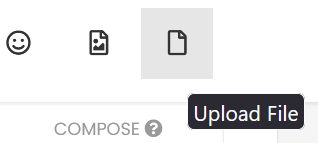
Then click the Upload File button to add both the client.log & the game_21xxxxxx.log files:
-
@zhanghm18 As magge stated, try using a different connection type. Ethernet would be best, but Power Line also works well.
-
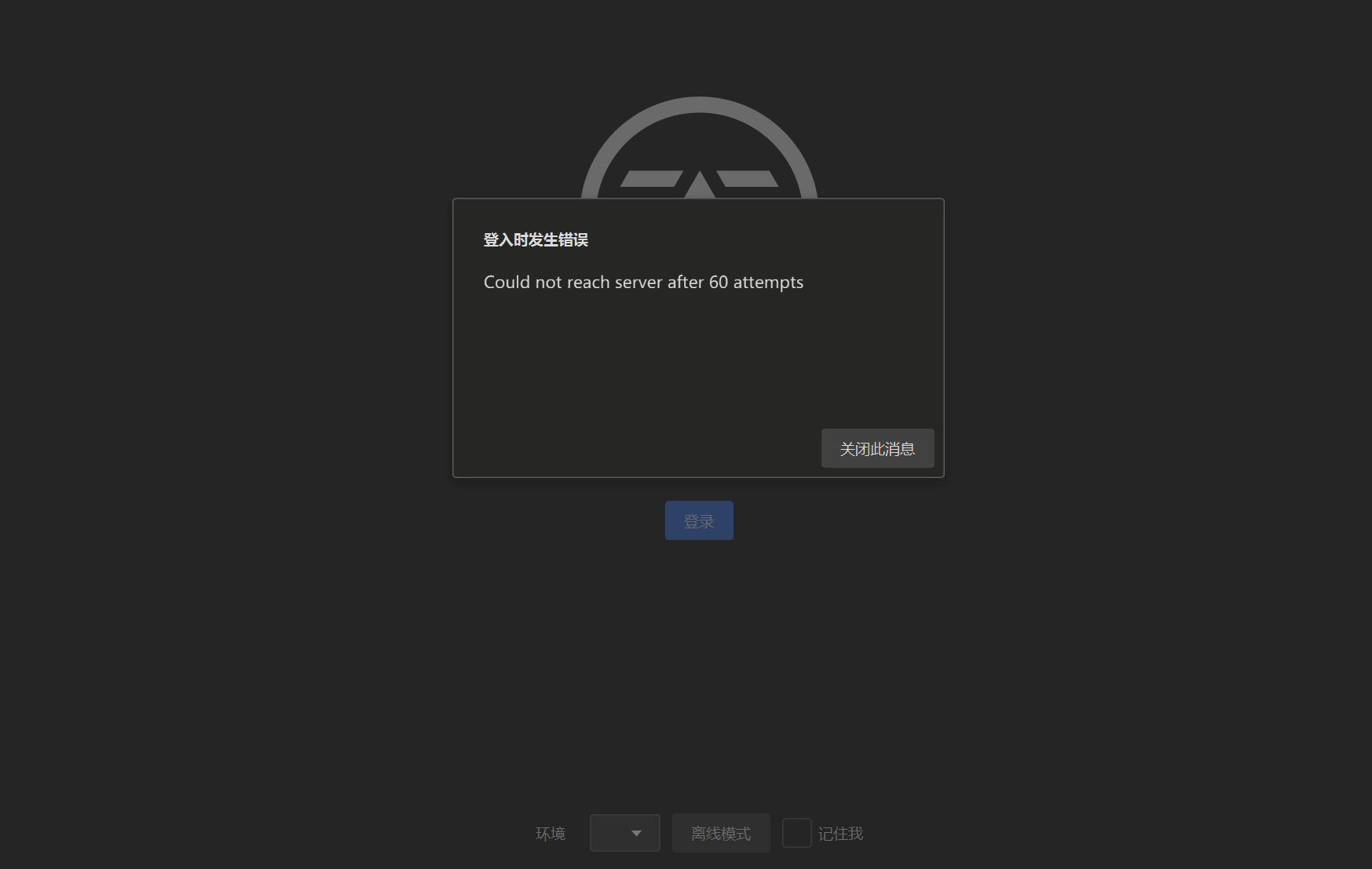
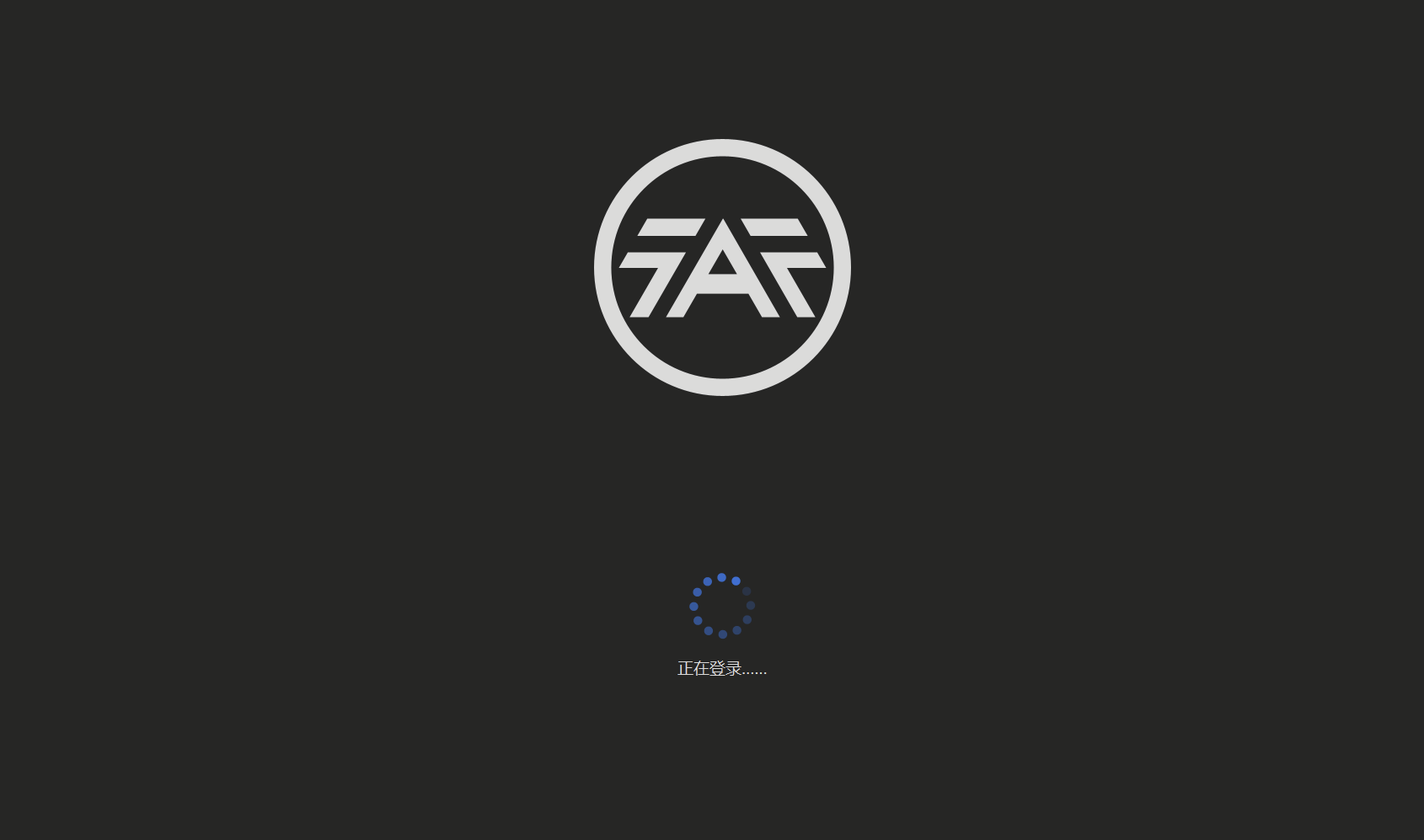
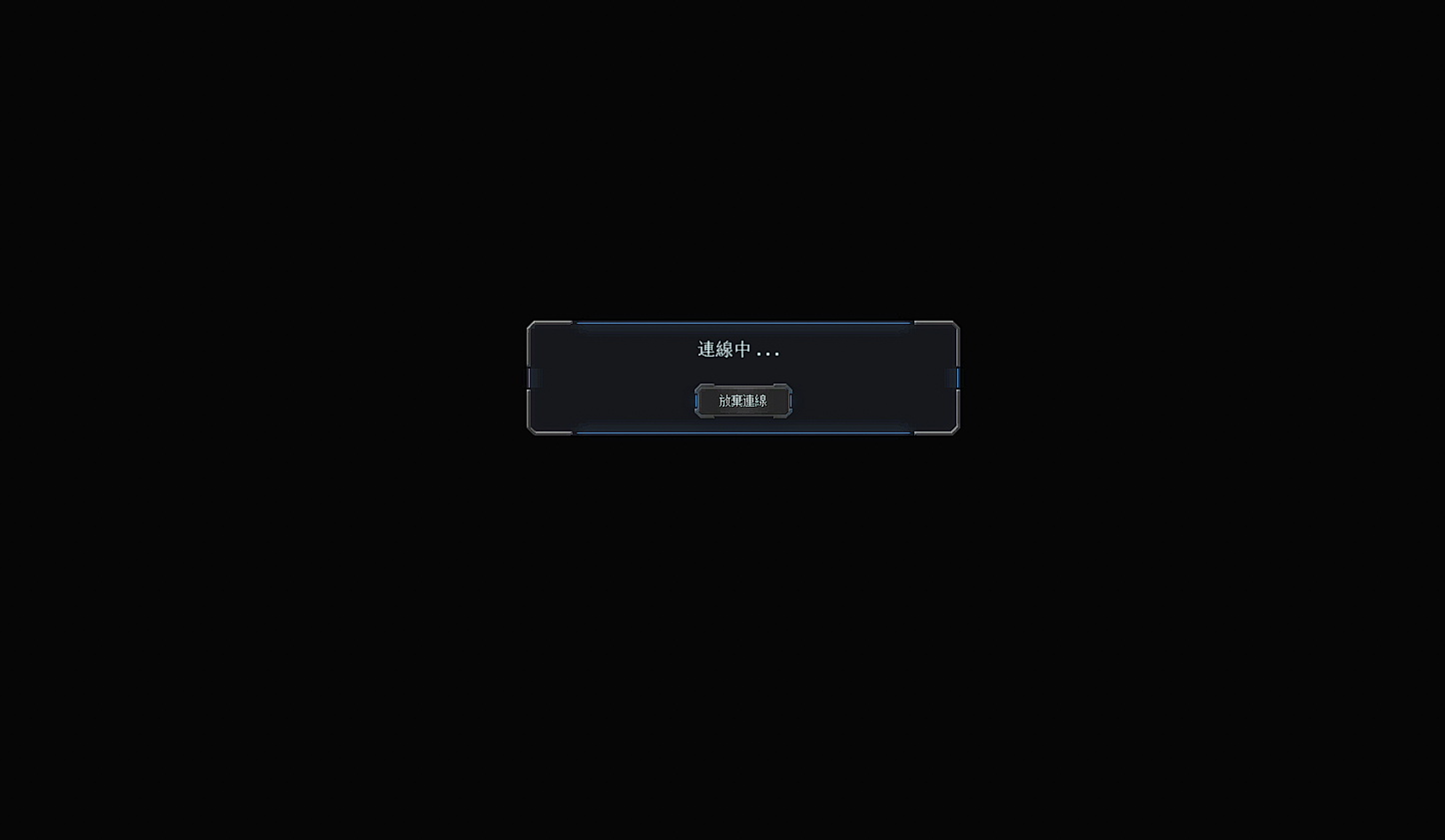
@mostlostnoob But now the problem is that I can't log in to the client again
-
-
-
-
In my opinion, there are two big possibilities - Your security software is blocking something, or your provider is blocking something.
Maybe you can narrow it down even further by trying a VPN from another country. (EU or USA preferred)
-
@magge I am using VPN. Still no help
-
Have you disabled any security software as well? If it still doesn't work, then I am unfortunately out of ideas. Maybe as last resort reinstall everything.
If you know any IT savvy guy in real life, maybe he/she can take a look at the PC.
-
From the logs it looks like your server is trying to connect to localhost 127.0.0.1:80 as if it is the lobby server which won't work. So maybe your host resolution.
From your screenshot it also looks like your client is unable to download the remote config from https://content.faforever.com/dfc-config.json for some ssl reason so it seems like maybe something is wrong with your DNS situation or something


Hello! It looks like you're interested in this conversation, but you don't have an account yet.
Getting fed up of having to scroll through the same posts each visit? When you register for an account, you'll always come back to exactly where you were before, and choose to be notified of new replies (either via email, or push notification). You'll also be able to save bookmarks and upvote posts to show your appreciation to other community members.
With your input, this post could be even better 💗
Register Login