Seleciton Cost v.9 Forgotten Edition [UI][Abandoned]
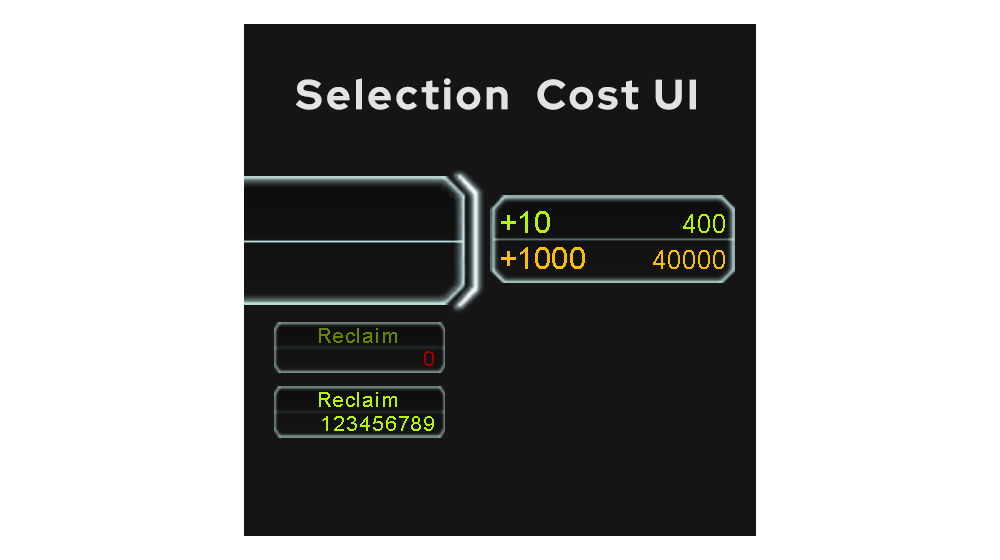
-
Separately, I would really like it if I could scale up the size of the selection cost display. I would want it about 3x bigger for my 4k display. I don't know how to do that or I would just implement it myself.
-
@arma473 sure you can do it by yourself. Open the gamemain.lua and find the createselectionui() and add the string "LayoutHelpers.SetDimensions(statsFrame, width, heigth) after " statsFrame:SetTexture(....)"
And you can increase the font size in lines CreateText(...12...) where is a number is a size of font. I'm from phone atm and can't write the whole code. But I will do it late
Or do you use implemented ui scaling? Maybe I will do adapt it to scaling by settings
-
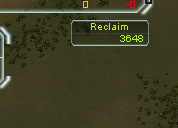
Fyi, connecting both UI elements to resource panel means that you cannot see reclaim from observer view unless you go to a player view.
-
@archsimkat yea, my mistake. I will add advanced check if the current game is replay, then it will work from obs
-
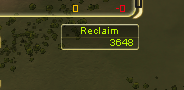
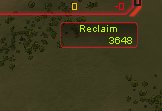
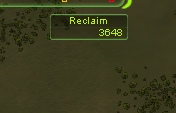
Any suggestions?
-
This post is deleted! -
Version v.8
What`s new:- New design of UI elements
- Reclaim texture changeable with current skin
- Red color for total reclaim and dark green for title if no mass on screen
Mistake:
- Selection cost frame can`t change skin
Not included in this update:
- Settings for replay
Search in vaults "Selection Cost"
or
Selection Cost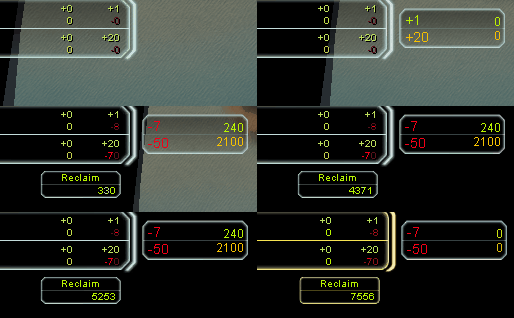
-
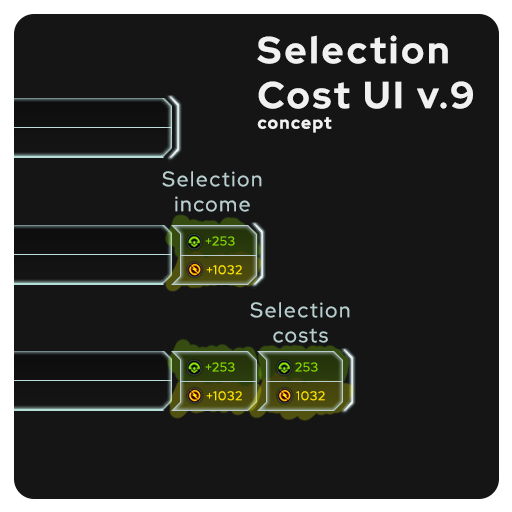
concept ui of v9
will be adaptive and resizable based on length of stroke
-
-
Uploaded 9 version with new patch compatibility
-
 J Jip referenced this topic on


Hello! It looks like you're interested in this conversation, but you don't have an account yet.
Getting fed up of having to scroll through the same posts each visit? When you register for an account, you'll always come back to exactly where you were before, and choose to be notified of new replies (either via email, or push notification). You'll also be able to save bookmarks and upvote posts to show your appreciation to other community members.
With your input, this post could be even better 💗
Register Login