Starters guide to Mapping
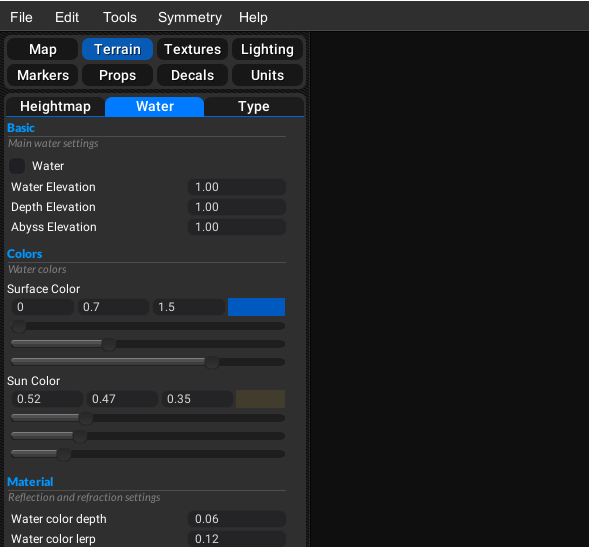
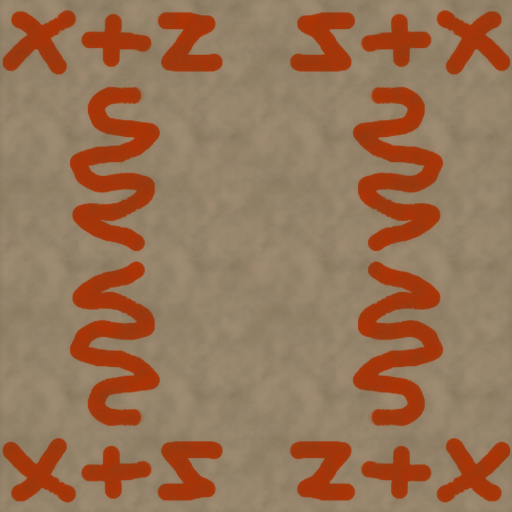
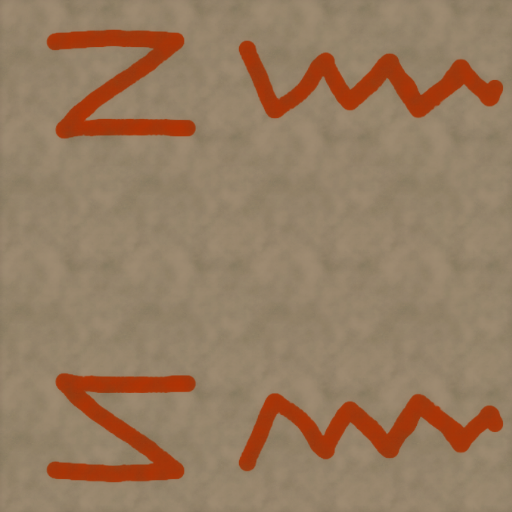
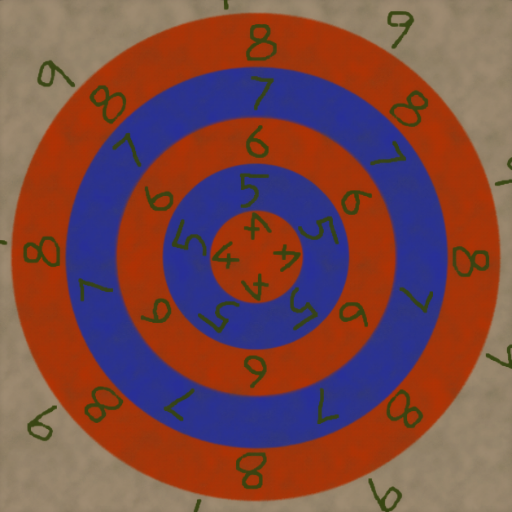
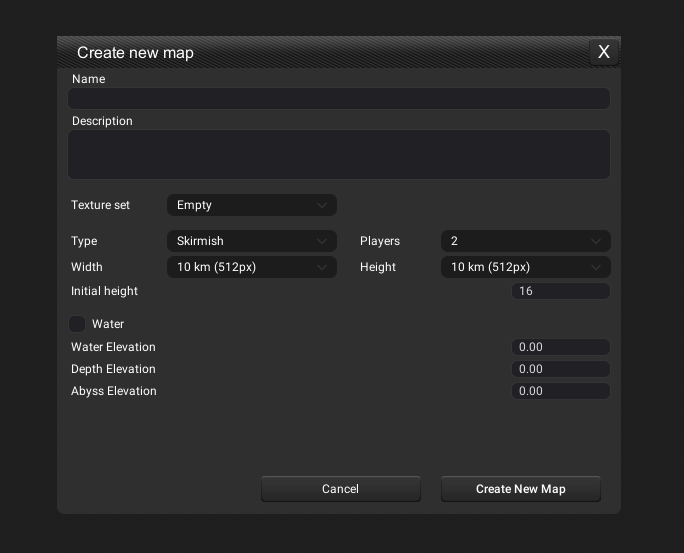
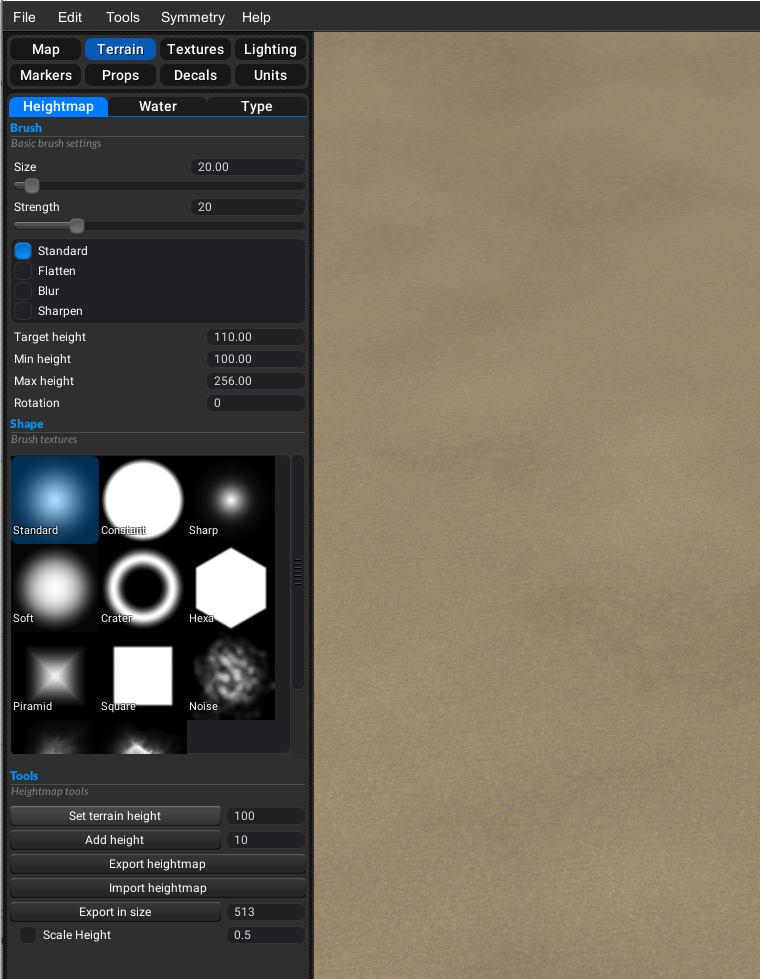
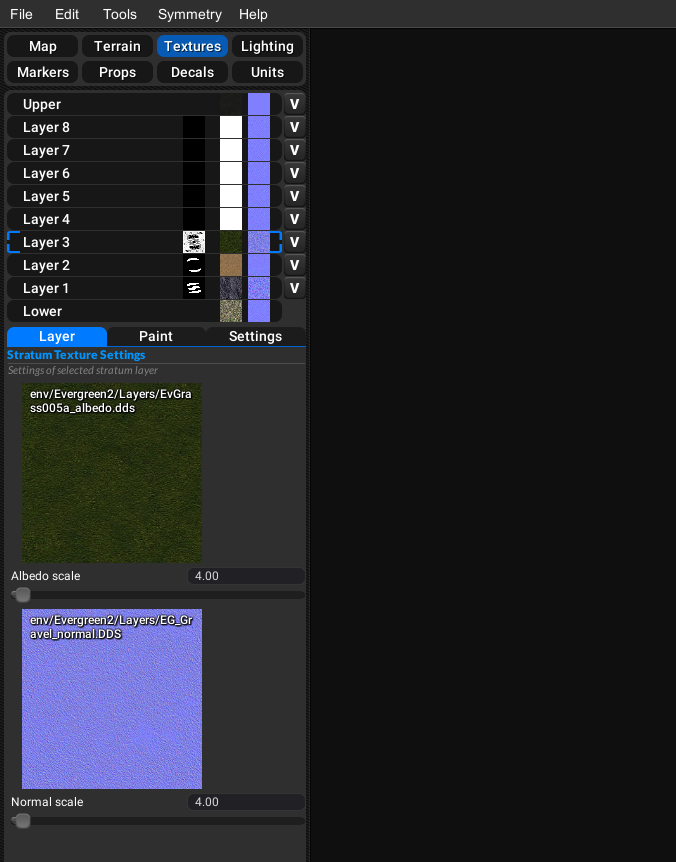
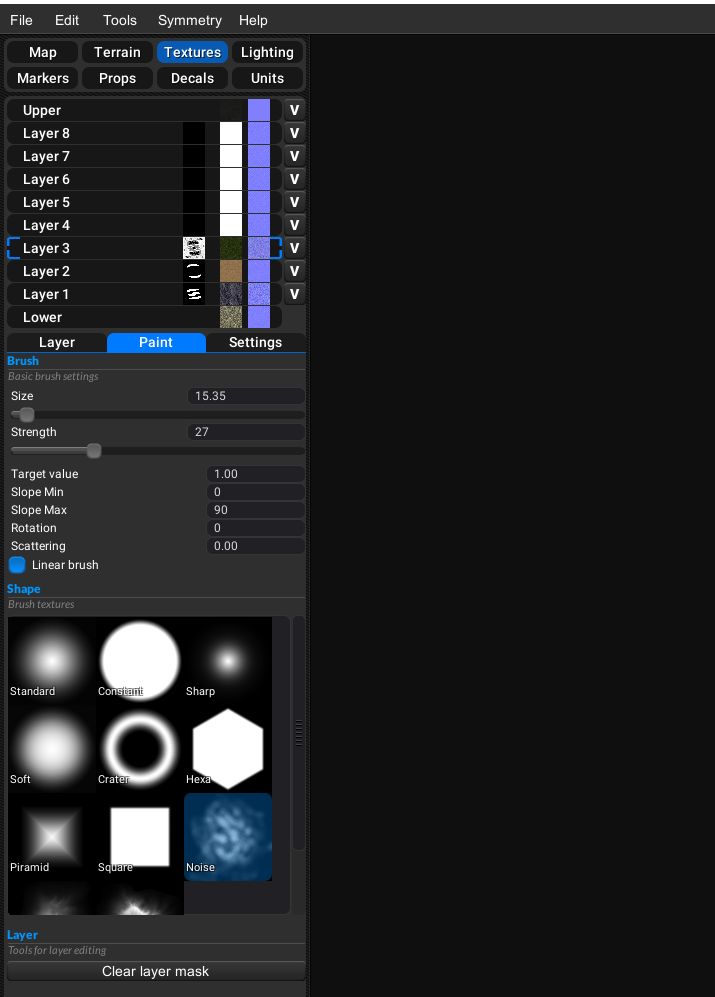
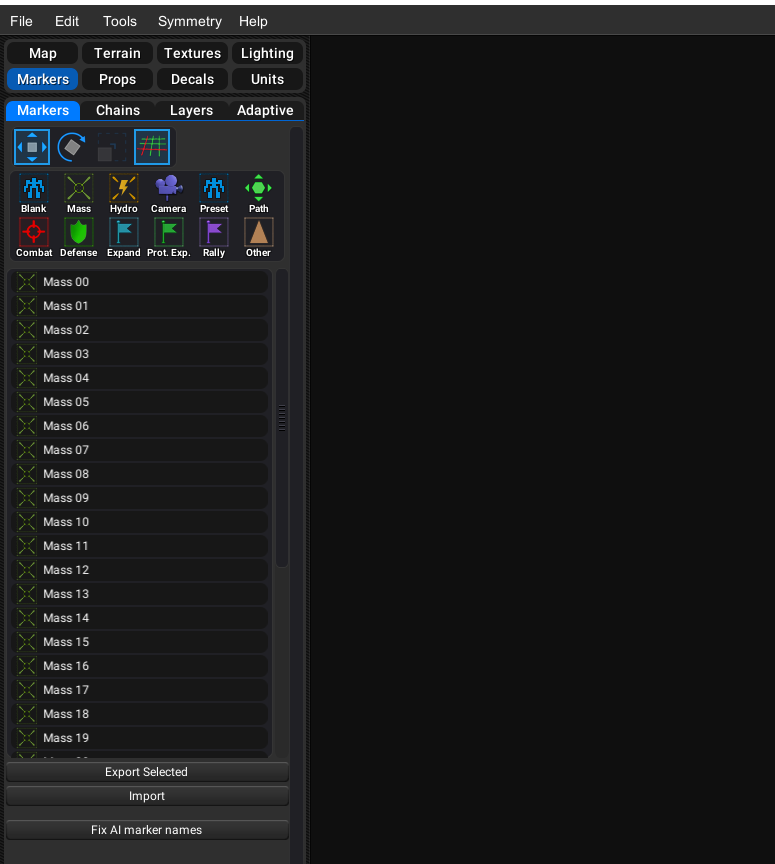
-
Good to hear! I am eagerly awaiting..
So how do the 'adaptive' maps work then? Mass decals with no markers?
-
they are technically props that are placed where the marker is and you choose through the options which ones spawn here's the relevant code
function spawnresource(Position,restype, spawnhpr) --check type of resource and set parameters local bp, albedo, size, lod; if restype == "Mass" then albedo = "/env/common/splats/mass_marker.dds"; bp = "/env/common/props/massDeposit01_prop.bp"; size = 2; lod = 100; else albedo = "/env/common/splats/hydrocarbon_marker.dds"; bp = "/env/common/props/hydrocarbonDeposit01_prop.bp"; size = 6; lod = 200; end --create the resource CreateResourceDeposit(restype, Position[1], Position[2], Position[3], size/2); --create the resource graphic on the map if spawnhpr then CreatePropHPR(bp, Position[1], Position[2], Position[3], Random(0,360), 0, 0); end --create the resource icon on the map CreateSplat( Position, # Position 0, # Heading (rotation) albedo, # Texture name for albedo size, size, # SizeX/Z lod, # LOD 0, # Duration (0 == does not expire) -1, # Army (-1 == not owned by any single army) 0 # Fidelity ); end -
Ok I might've bitten off too much to chew, I will be visiting the discord for further assistance.
-
you don't really need to know the code to much to or at all really all your doing is changing variables, copy pasting code and making a table which by the sounds of it you've already done. here's my updated guide to adaptive maps https://forums.faforever.com/viewtopic.php?f=53&t=19242
-
Thanks for this. It seems I did not search the forums well enough.
-
The decals & props for both 'Mass' & 'Hydrocarbon' deposits are automatically placed on the markers when you have the 'adaptive' script enabled', I did not have to align them manually in the editor. Possible obvious mistake but maybe this will save someone some time.
Thanks again for the guide MadMax, I followed it step by step and have my first 'adaptive' map working now

-
i see you meant the stock decal and props and there was me giving you the complex answer when the simple one was what you wanted
-
Happy accident
-
@Stealth9 said in Starters guide to Mapping:
The decals & props for both 'Mass' & 'Hydrocarbon' deposits are automatically placed on the markers when you have the 'adaptive' script enabled'
It does this regardless if you have the script or not.
-
Ok, so when using Ozonex Map Editor I only have to place markers for resources. Is this the same in the gpg map editor?
-
yes but gpg lacks the mirroring functions of ozonex


Hello! It looks like you're interested in this conversation, but you don't have an account yet.
Getting fed up of having to scroll through the same posts each visit? When you register for an account, you'll always come back to exactly where you were before, and choose to be notified of new replies (either via email, or push notification). You'll also be able to save bookmarks and upvote posts to show your appreciation to other community members.
With your input, this post could be even better 💗
Register Login