getting UI Festival / Party working on 2 different monitors
-
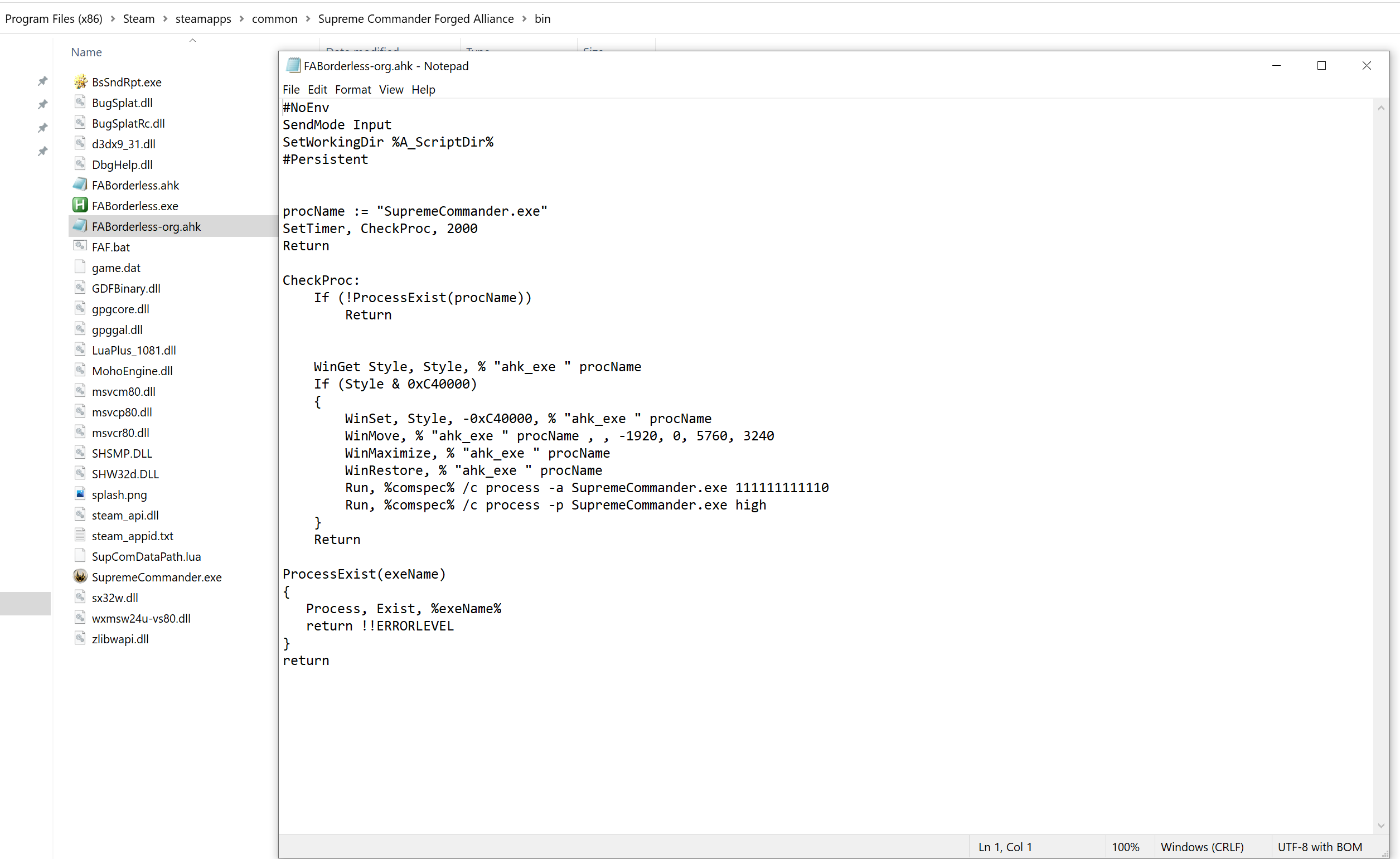
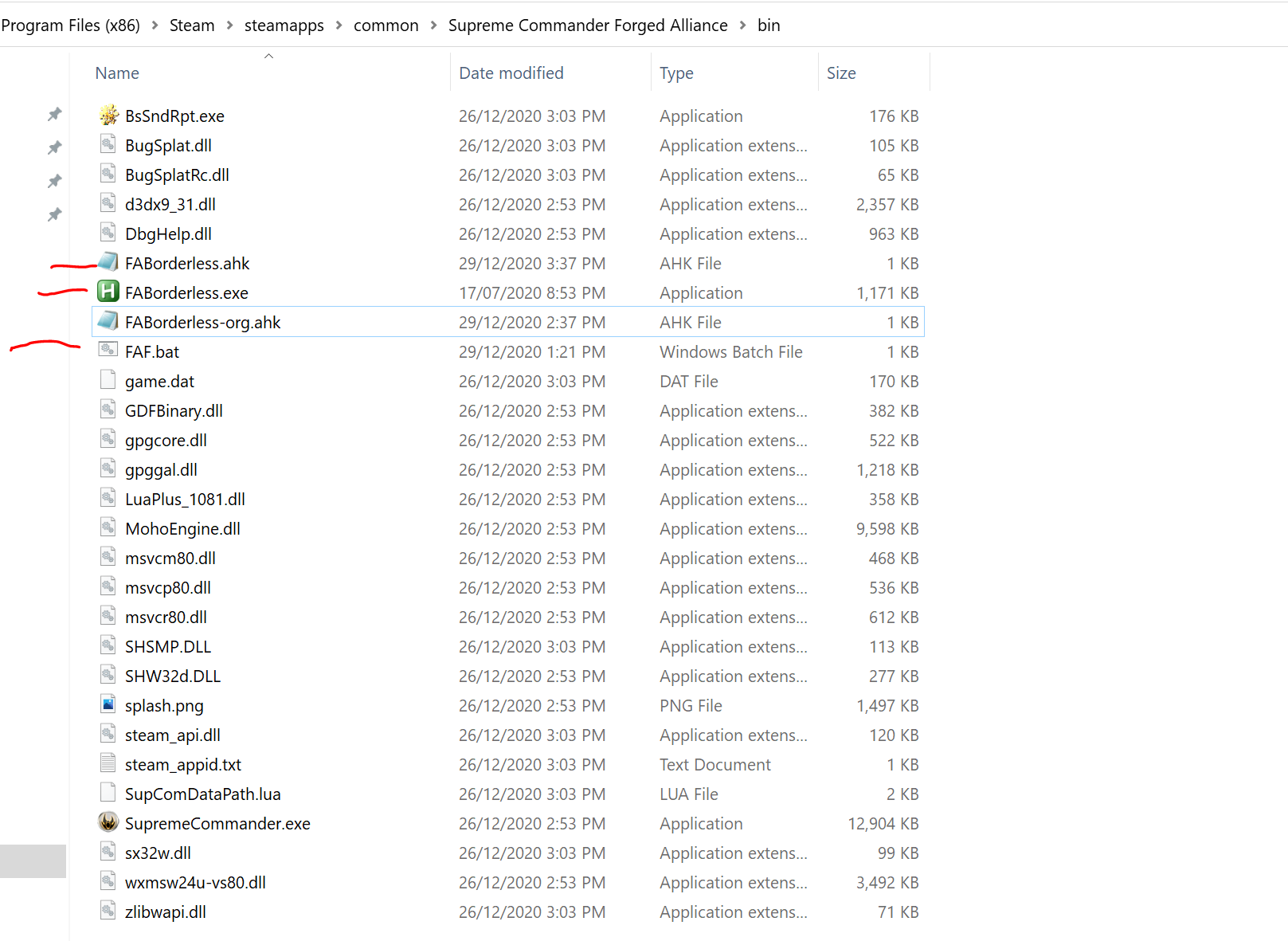
Hi all hope you are well. I am trying to get FA working on two screens. Left screen is HD (1920x1080 x144hz) and the right screen is 4K (3840x2160 x60hz). I followed the guides in the archive forums as well as the guides I could find in the new forums. I got the .bat file working and using Auto hotkey to run it (all 3 files in the .bin folder under steam.
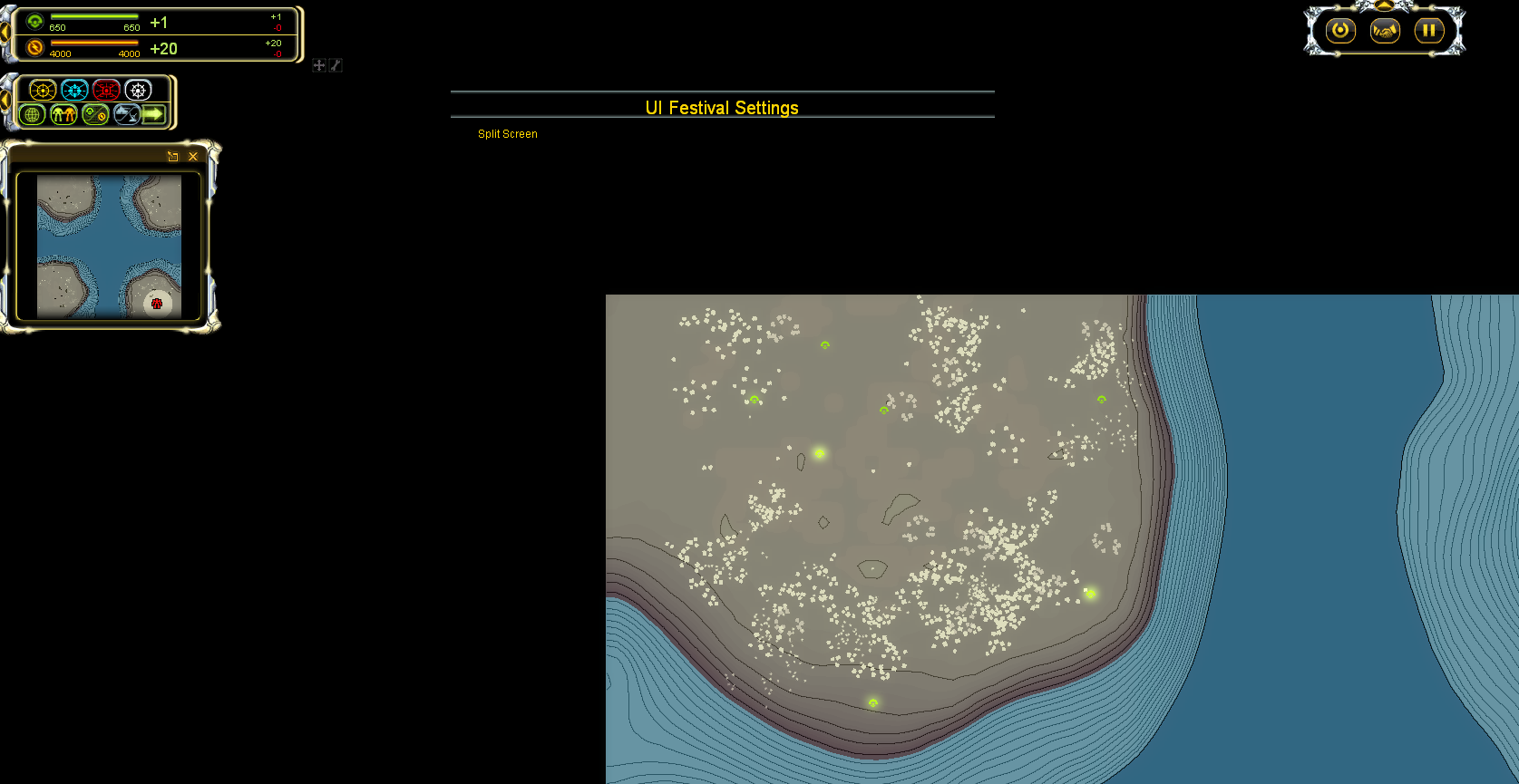
My main problem is with UI-festival/Party. I have both installed as well as Common Mod Tools. However the UI-festival menu is not displaying in-game. (See picture)
Also I noticed that in order to get the .bat file working I had to rename the exe within the code of the notepad file to "SupremeCommander.exe" instead of "ForgedAlliance.exe" See Image.
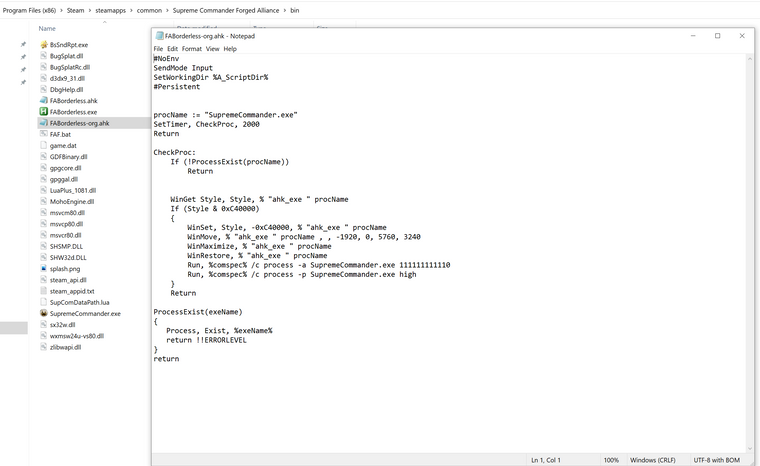
The exe within the bin folder is called supreme commander. That's what steam installed it as.Also I have Downlord's FAF Client installed.
Any help would be greatly appreciated. I am currently using the code to run FA only on 4K screen (Fake-fullscreen) and using the second screen for music as I have no idea how to get the mods working.
-
It looks like you are executing Steam FA
I haven't used the bat file before but I thought it would invoke the FAF FA which lives in programdata
-
Oh okay I see what u mean.
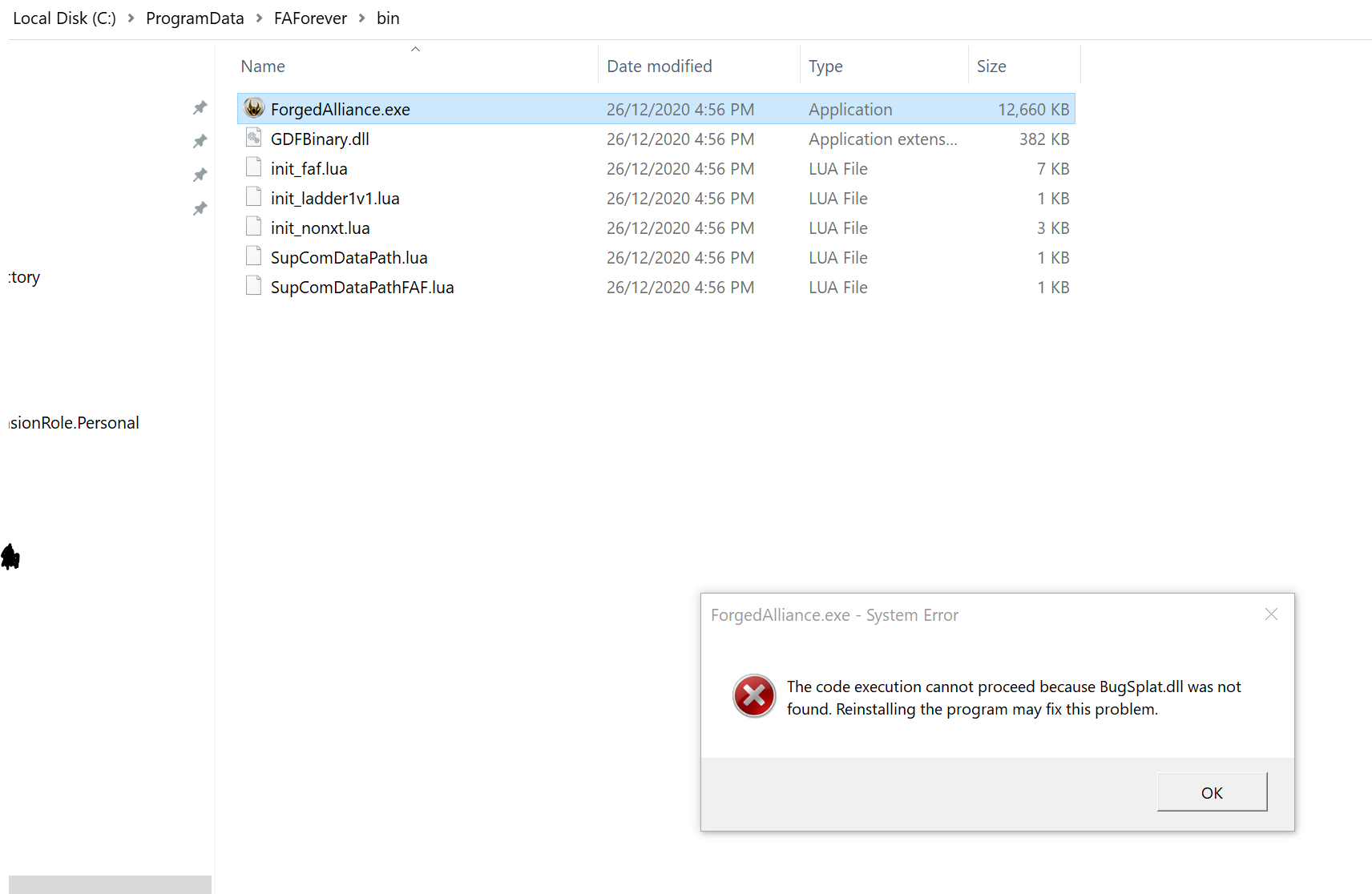
So I tried to run the exe within programData and got this error. So I guess this is why none of it is working? How do I fix it? -
Can u run games normally through the faf client?
Hello! It looks like you're interested in this conversation, but you don't have an account yet.
Getting fed up of having to scroll through the same posts each visit? When you register for an account, you'll always come back to exactly where you were before, and choose to be notified of new replies (either via email, or push notification). You'll also be able to save bookmarks and upvote posts to show your appreciation to other community members.
With your input, this post could be even better 💗
Register Login