FAF Client Weirdness
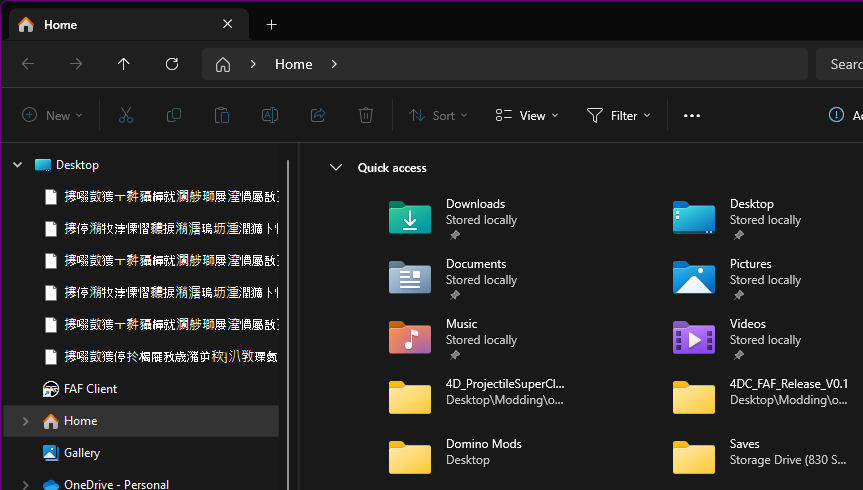
-
FAF Client is in the default location.
Data is C:\ProgramData\FAForever
SC FA is on (E:\SteamLibrary\SteamApps\common\Supreme Commander Forged Alliance)
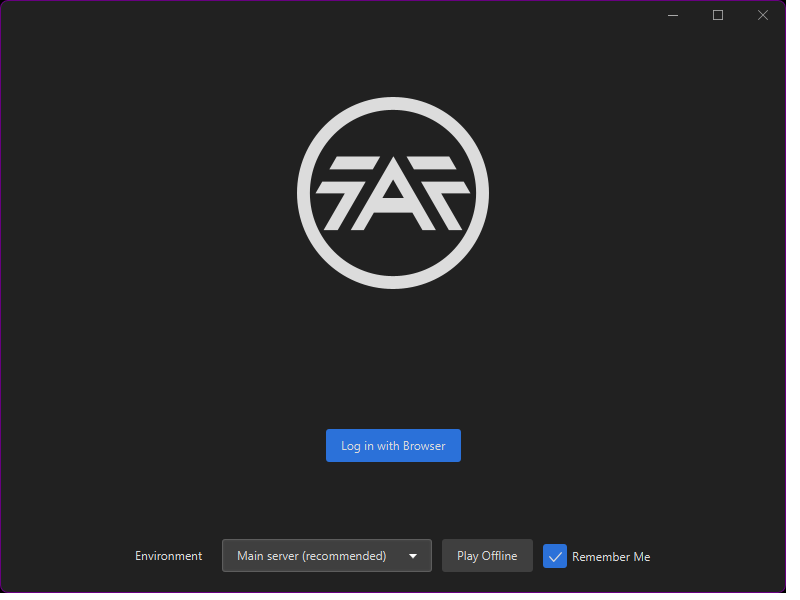
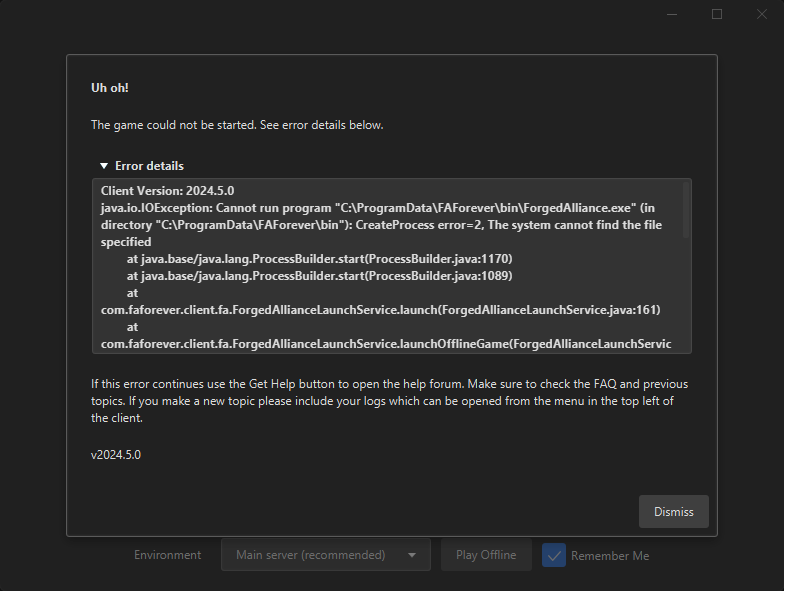
Be aware that other than the initial setup menu, i don't see any other options or menus. Just this:
-
Success Your steam account has successfully been linked.
-
Added malware exclusion and still no dice...
-
Ok was able to bypass the local login by using the browser login.
-
Will attempt to start a solo game using client.
-
Success! Though 4DC drops a ton of errors when paired with FAF, but that was to be expected from a 10 year old mod.
-
Question: Once my account has been verified, is there any reason to keep my profile public ?
-
@resin_smoker Nope, you can set it back to private.
-
Wait so what explains the Chinese text? Just curious.
-
Is their a way to change the offline mode to online mode or does that not help?

Hello! It looks like you're interested in this conversation, but you don't have an account yet.
Getting fed up of having to scroll through the same posts each visit? When you register for an account, you'll always come back to exactly where you were before, and choose to be notified of new replies (either via email, or push notification). You'll also be able to save bookmarks and upvote posts to show your appreciation to other community members.
With your input, this post could be even better 💗
Register Login