forever loading FAF screen
-
after the "database" issue and "server update" I have been unable to get past the forever loading FAF screen
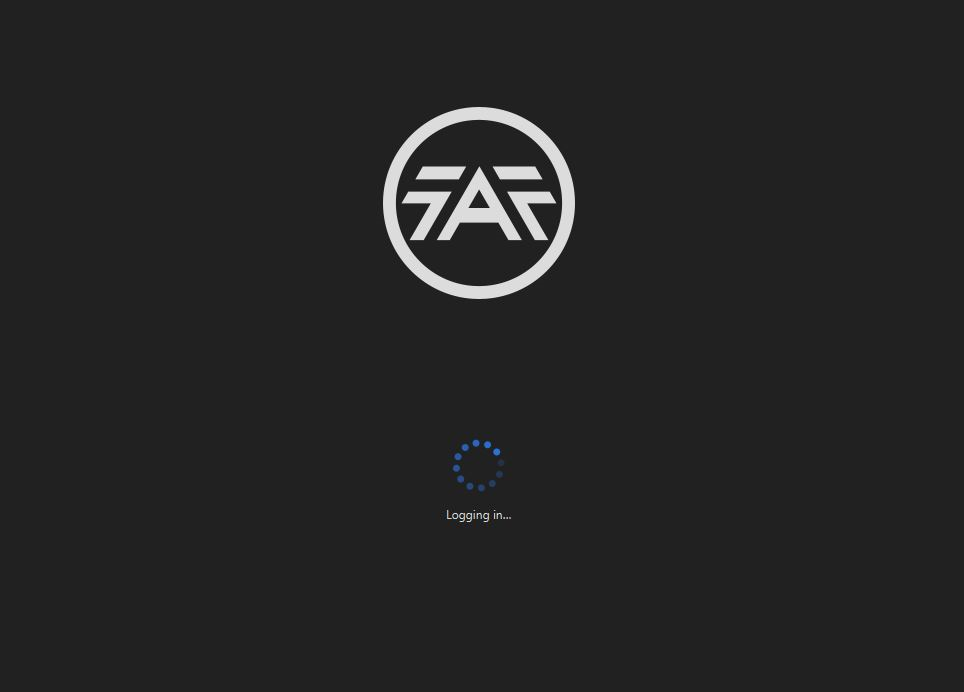
I have uninstalled and reinstalled FAF and still have same issue. Logging out of steam and back in didn't help .. firewall is set to allow steam and FAF .. don't know what else to do .... anyone know what I should do?
dmac
-
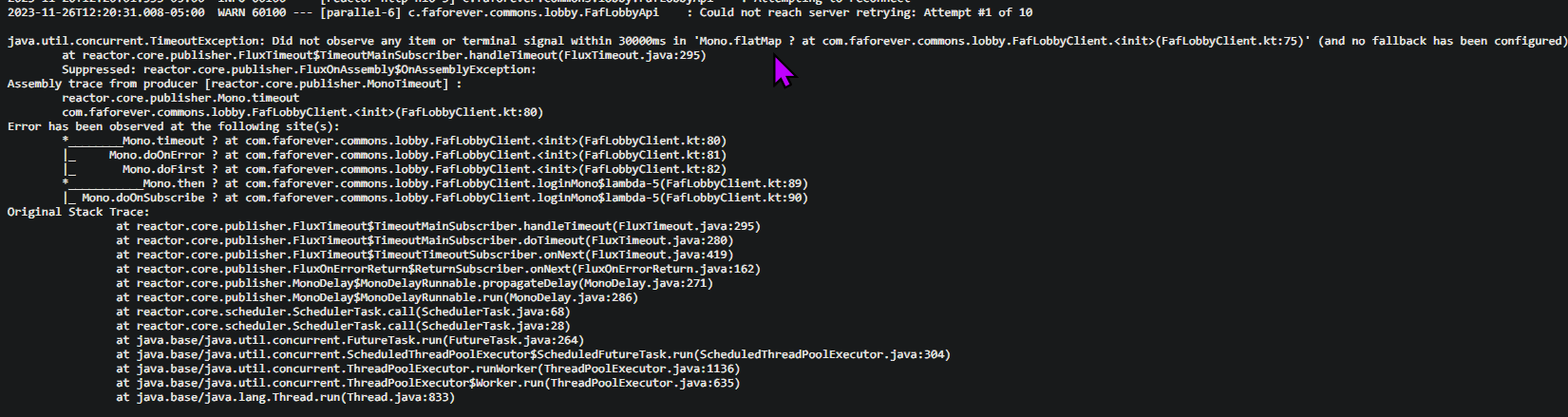
Can you attach a client.log, please?
On Windows:
C:\Users\%username%\AppData\Roaming\Forged Alliance Forever -
not sure how to do that .. i can find the file but it is HUGE
-
-
@MostLostNoob Thanks
-
The last time I saw this error, it was related to the security software or network of the host machine (your PC) blocking the connection;
Maybe someone else has another idea for a solution because I can only suggest doubling checking your security. Maybe even try a VPN to narrow it down, just in case.
Edit: Yesterday, there was a timeframe where people had login issues, because server had a hiccup - Maybe it was related to that and now it works again, hopefully?




Hello! It looks like you're interested in this conversation, but you don't have an account yet.
Getting fed up of having to scroll through the same posts each visit? When you register for an account, you'll always come back to exactly where you were before, and choose to be notified of new replies (either via email, or push notification). You'll also be able to save bookmarks and upvote posts to show your appreciation to other community members.
With your input, this post could be even better 💗
Register Login