FAForever Forums
    • Categories
    • Recent
    • Tags
    • Popular
    • Users
    • Groups
    • Login

    client login does not work
    Scheduled Pinned Locked Moved FAF support (client and account issues)
    15 Posts 5 Posters 665 Views
    Loading More Posts
    • Oldest to Newest
    • Newest to Oldest
    • Most Votes
    Reply
    • Reply as topic
    Log in to reply
    This topic has been deleted. Only users with topic management privileges can see it.
    • V Offline
      VolDon @Eternal-
      last edited by

      @eternal Sorry, I have the same problem as this user, but on your advice, unlike him, I did not manage to solve the problem, it remained the same as it was.

      Eternal-E 1 Reply Last reply Reply Quote 0
      • Eternal-E Offline
        Eternal- @VolDon
        last edited by

        @voldon which problem exactly

        Profile | Eternal MOD pack | Check new client

        V 1 Reply Last reply Reply Quote 0
        • V Offline
          VolDon @Eternal-
          last edited by

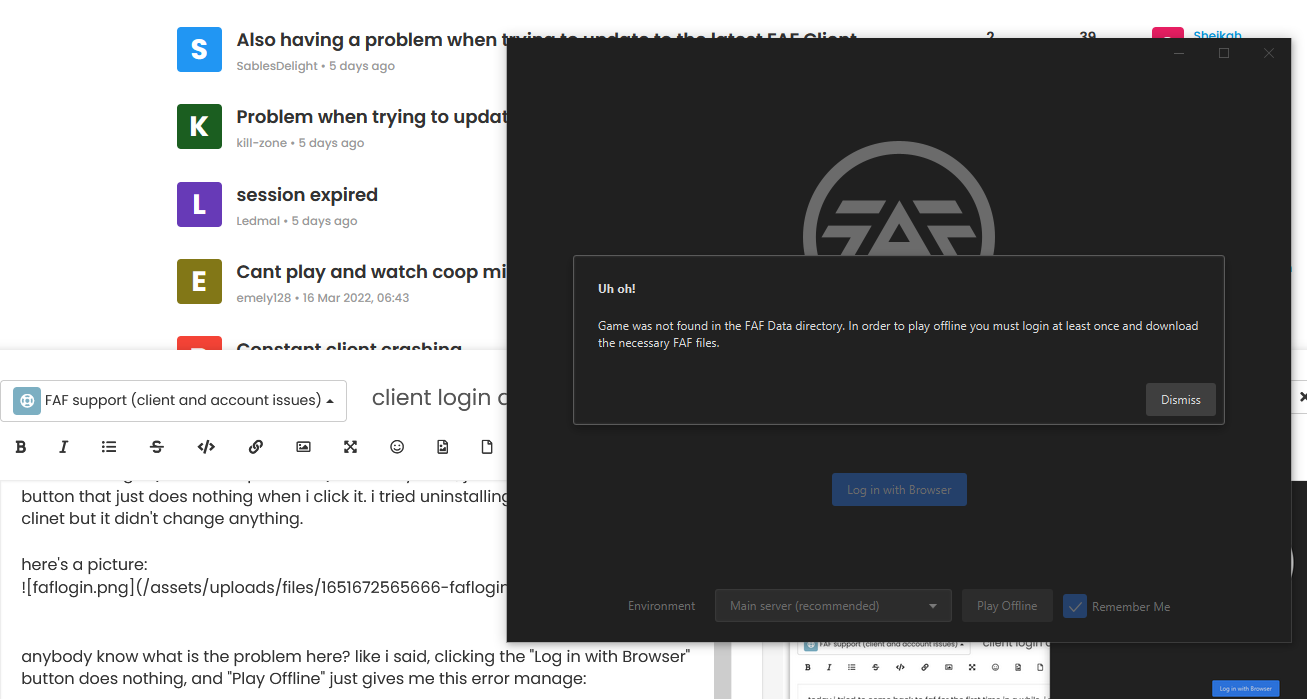
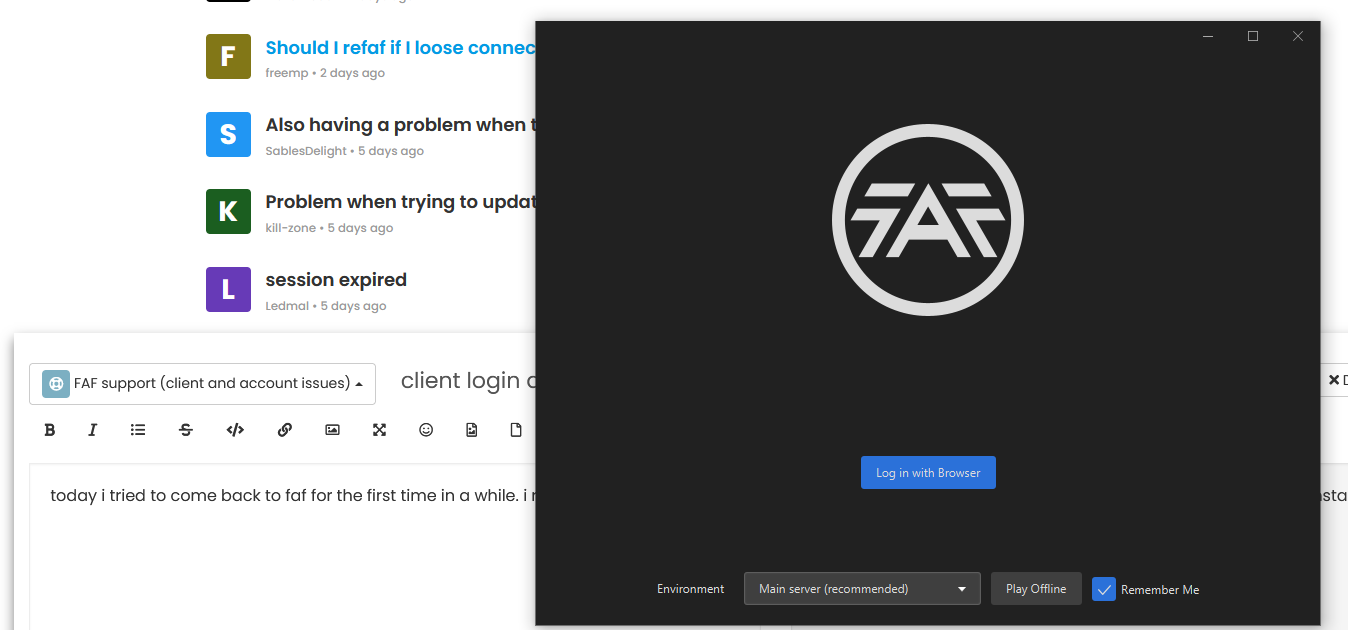
          @eternal I will write in detail. I bought the game on Steam, created a profile in it, registered on the FAF website, linked my Steam account, downloaded and installed the client from the official FAF website. But when I start the client there are no lines for filling in the data (Password and Login) There is a button in the center "Authorization", I click but nothing happens, I reinstalled the client, nothing has changed. In general, the problem is the same as that of the user "nick_".

          Eternal-E 1 Reply Last reply Reply Quote 0
          • Eternal-E Offline
            Eternal- @VolDon
            last edited by

            @voldon Client cant detect default browser.

            Win+R -> CMD -> copy this https://forum.faforever.com/topic/3771/client-login-does-not-work/6 -> press enter

            if browser is not opens, then you didnt set default browser

            Profile | Eternal MOD pack | Check new client

            V 1 Reply Last reply Reply Quote 0
            • Eternal-E Eternal- referenced this topic on
            • maggeM Offline
              magge Global Moderator
              last edited by

              If it does not work, you can try to install Chrome or Firefox (reboot PC) and try again.

              Want to become a Moderator? || Open volunteer positions
              V 1 Reply Last reply Reply Quote 0
              • V Offline
                VolDon @Eternal-
                last edited by

                @eternal I have everything open, without any problems.

                1 Reply Last reply Reply Quote 0
                • V Offline
                  VolDon @magge
                  last edited by VolDon

                  @magge I initially had Google Chrome, I already tried the browser recommended by the system, but nothing works.

                  1 Reply Last reply Reply Quote 0
                  • maggeM Offline
                    magge Global Moderator
                    last edited by

                    Have you tried to disable any security software for testing purpose?
                    Are you 100% sure it is the same error as OP has?

                    Want to become a Moderator? || Open volunteer positions
                    V 1 Reply Last reply Reply Quote 0
                    • V Offline
                      VolDon @magge
                      last edited by VolDon

                      @magge Didn't turn anything off. all system and other antiviruses do not block the client's work in any way.

                      Eternal-E 1 Reply Last reply Reply Quote 0
                      • MarcSpectorM Offline
                        MarcSpector
                        last edited by

                        Could you post client.log file here? CMD -> %appdata%/Forged Alliance Forever/logs

                        1 Reply Last reply Reply Quote 0
                        • Eternal-E Offline
                          Eternal- @VolDon
                          last edited by

                          @voldon https://github.com/FAForever/client/releases/download/0.20.2/Forged.Alliance.Forever-0.20.2-win32.msi use this client

                          Profile | Eternal MOD pack | Check new client

                          V 1 Reply Last reply Reply Quote 1
                          • V Offline
                            VolDon @Eternal-
                            last edited by VolDon

                            @eternal I don't know how these clients differ from this one that you gave me, but it works.

                            1 Reply Last reply Reply Quote 0
                            • V VolDon referenced this topic on
                            • V VolDon referenced this topic on

                            Hello! It looks like you're interested in this conversation, but you don't have an account yet.

                            Getting fed up of having to scroll through the same posts each visit? When you register for an account, you'll always come back to exactly where you were before, and choose to be notified of new replies (either via email, or push notification). You'll also be able to save bookmarks and upvote posts to show your appreciation to other community members.

                            With your input, this post could be even better 💗

                            Register Login
                            • First post
                              Last post