Game crash on rehost with same settings
-
The game crashed 2 times from 2, when try to restart from game screen, with same settings as last game.
This is the exception:
java.lang.RuntimeException: Forged Alliance Crashed with exit code -1073741819. See game_14602728.log for more information
at com.faforever.client.game.GameService.lambda$spawnTerminationListener$45(GameService.java:721)
at java.base/java.util.concurrent.ThreadPoolExecutor.runWorker(ThreadPoolExecutor.java:1130)
at java.base/java.util.concurrent.ThreadPoolExecutor$Worker.run(ThreadPoolExecutor.java:630)
at java.base/java.lang.Thread.run(Thread.java:832)Log file from C:\ProgramData\FAForever\logs
client.log
game_14602728.logWhat can i do to help tracking this issues of game crashing?
-
good chance its the "ressource rich" SIM mod you are running. Give it a try without the mod
-
2 games were fine, then again crash, with this message
Issue_20210529_0349_ExitToWindows.txtI think Sim mod wasn't the issue.
-
pls post the full game log. where you running any mods?
-
No mods are run.
Now the game crashed when i click exit to windows.
In the log file i see that 'DestroyAdjacentEffects' function that throw exception because of null parameter.Log file
game_14607080.logPS: There is a github project where i can try find the 'DestroyAdjacentEffects' function that throw exception? I have development knowledge and maybe i can help track this issue.
The https://github.com/FAForever/fa is the project where i can search? -
it seems your game and FAF are installed on different drives. This can cause issues afaik.
try to install both on C -
I cannot install the game on C partition, but FAF is indeed installed in C (Steam apps and all games apps are on D partition).
FAF can be installed to a custom path?
I can try to remove it from C and install on the same partition D as the steam application and game folder. -
yea give it a try. be sure to run the latest version of FAF (1.4.6). technical help on discord is a good shot too if it doesnt solve itself. https://discord.gg/jFrAU5N2
-
I don't think installing FAF on the same partition as the vanila game is the main issue. If that was the case then the entire game will not work.
But i will try it anyway to narrow the posibilities.I have found another log file in C:\ProgramData\FAForever\logs\iceAdapterLogs
ice-adapter.log
and in C:\ProgramData\FAForever\logs
client.log
maybe will help.Yesterday i have downloaded latest version FAF(1.4.4), now there is 1.4.6, hope this will be better to install.
PS: By the way how the updates are pushed to device: auto-update, need to manualy install FAF from https://www.faforever.com/, downloading the client?
-
I viewed you game log and it looks like you are using a very old version of XtremWars.
And there where many unit an AI errors inside the log.Please download the latest XtremWars mod from here:
https://forum.faforever.com/topic/364/updated-mods-for-faf-and-vanilla-steam
Start the normal FAF game and activate the mod inside the game (mod manager).I also saw you where playing against 11 AIs.
If you like you could use my AI. Search for AI-Uveso under the same link i gave you for XtremWars
(you can install it like a normal mod)
My mod can handle all unit mods like XtremWars and Total Mayhem.
(It has also additional debug features to trace down AI errors.) -
Thank you Uveso for your info and advice.
Surely I will try your mod.
I just installed FAF yesterday for the first time version 1.4.4 and i don't know what version was XtremWars, but in was just from FAF 1.4.4 installation.
Until now i have uninstalled default installation of FAF 1.4.4 and custom reinstalled 1.4.6 on partition where steam apps are and after 1 game everything is Ok.PS: I played before with LOUD: BlackOps, Total Mayhem, Wyvern Battle Pack, they were great but after some time the game crashes. How many mods i can activate?
-
XtremWars and Experimentals Wars are not compatible.
All other mods on the page i linked above are working together.
They are all fixed for FAF and they all have AI support. -
Still issues...
I tried a game with mods: AI-Uveso, BlackOps FAF: ACUs, BlackOps FAF: Unleashed, BlackOps FAF: EXUnits, Extreme Wars.
After 1h:43mins the game freeze-no units are moving, game menu is responsive, pause/resume didn't fix.
I tried to Exit to Windows button and screen is black, sound is on, but nothing happend, no error, no exception messages; if i switch to windows(Alt+Tab) and reenter game no error message; no log was generated; process ForgedAlliance CPU = 09%, MEM allocated = 1,1GB.
After i kill the process i receive errorjava.lang.RuntimeException: Forged Alliance Crashed with exit code 1. See game_14617376.log for more information
at com.faforever.client.game.GameService.lambda$spawnTerminationListener$45(GameService.java:721)
at java.base/java.util.concurrent.ThreadPoolExecutor.runWorker(ThreadPoolExecutor.java:1130)
at java.base/java.util.concurrent.ThreadPoolExecutor$Worker.run(ThreadPoolExecutor.java:630)
at java.base/java.lang.Thread.run(Thread.java:832)I have attached a zip file with all info that i have
Logging file is big: 395MB, compressed 100KB but i cannot upload rar or zip file
client.log
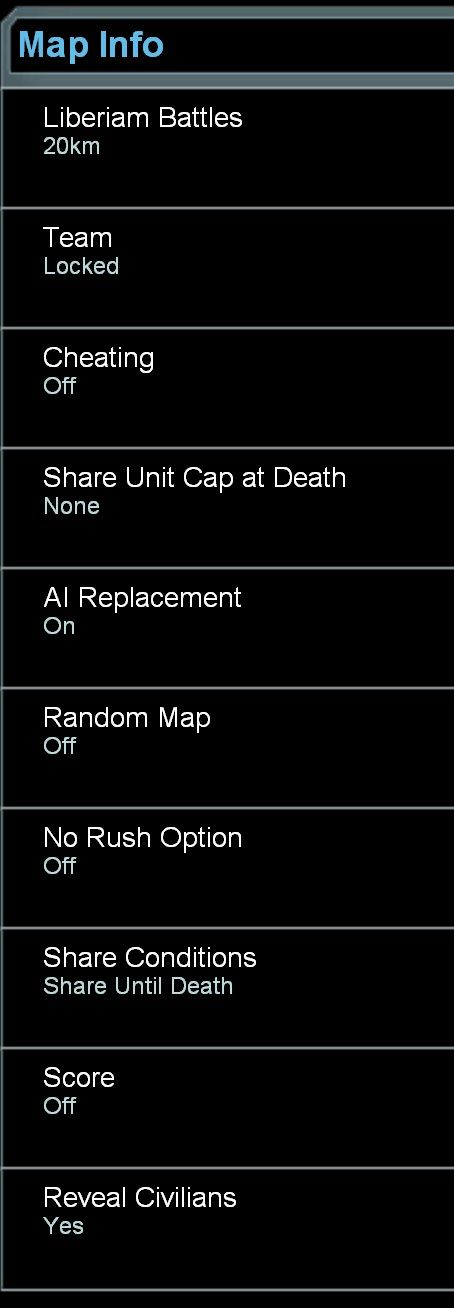
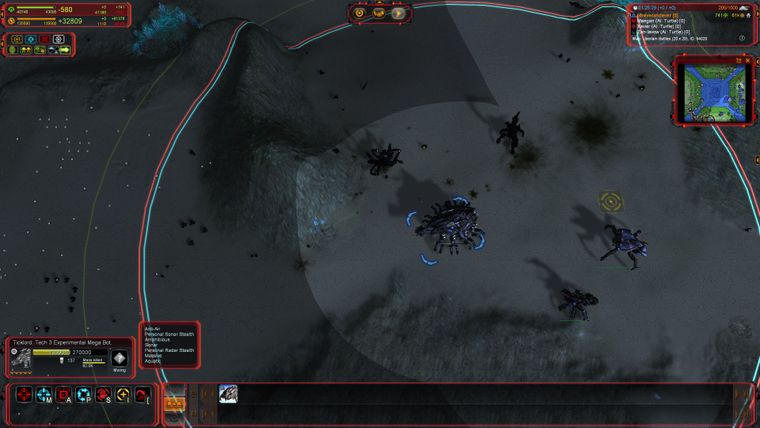
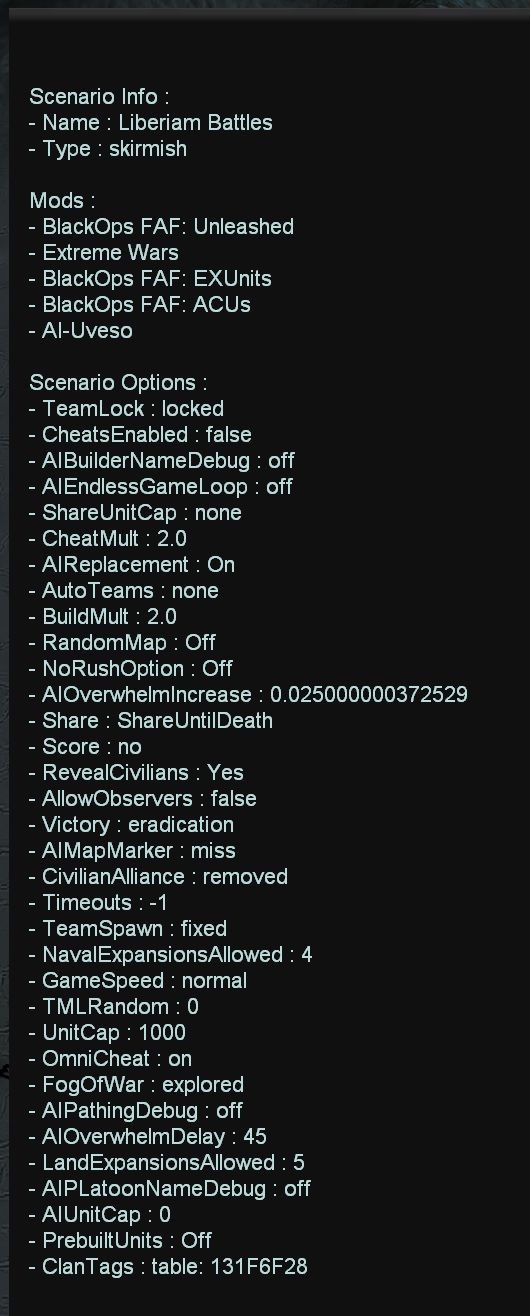
-
Hello foreverandever,
well a freeze is hard to trace because it does not issue any errors in the log and you don't know what function is causing the freeze.
It would be nice if i could see the game.log.
Can you rename the .zip to .txt and upload it wit the new name ?
Or can you use https://pastebin.com/ to post the logfile ? -
Hello Uveso,
This is the compressed winrar log file
game_14617376.rar.txt -
Hi Uveso,
Another game crash,sadly
Issue_20210531-0006_Freeze_DebugInfo.txt
client.log
client.log.2021-05-30.0.gz.txt
game_14621620.log
ice-adapter.log
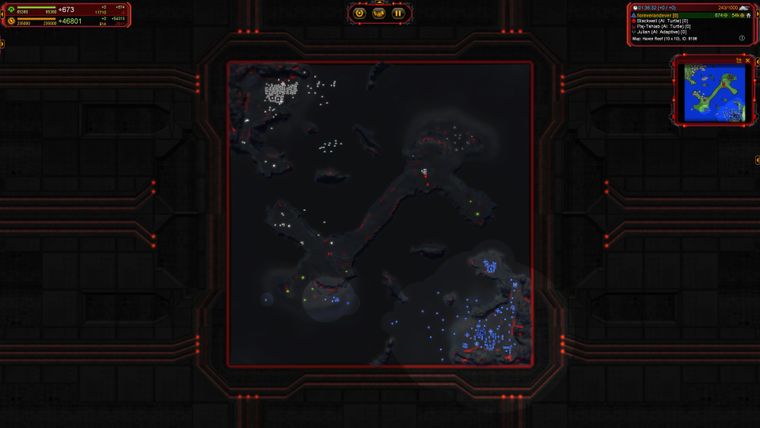
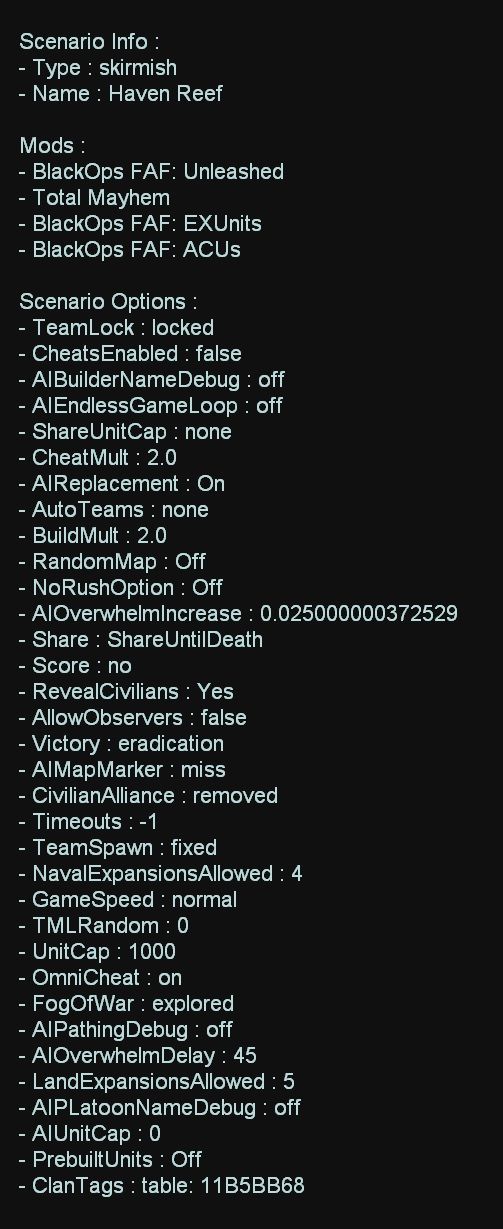
No game finished without freezing for FAF 1.4.6.
What can i do?
Mods loaded: BlackOps FAF: ACUs, BlackOps FAF: Unleashed, BlackOps FAF: EXUnits, Total Mayhem.
It forces me to go back to vanilla.
I will try again FAF without any mods and see what's happend. -
4.7 million lines of log. nice

Yes, please test the game without mods first.
You can leave my AI mod activated without hesitation. It's stable.
Its also providing an option for endless test games.
Set "DEBUG: Endless game loop" to "Endless play on".
After starting the game it will go to splitscreen and +10 sim speed.
On gameend it will post the gameresult to the game.log and restarts the game.
(Moho game log window can be opened with [F9] by default)[edit]
I did not found any errors in the log that could causes gamecrashes.
But i saw many AI and some other errors caused from the mods.
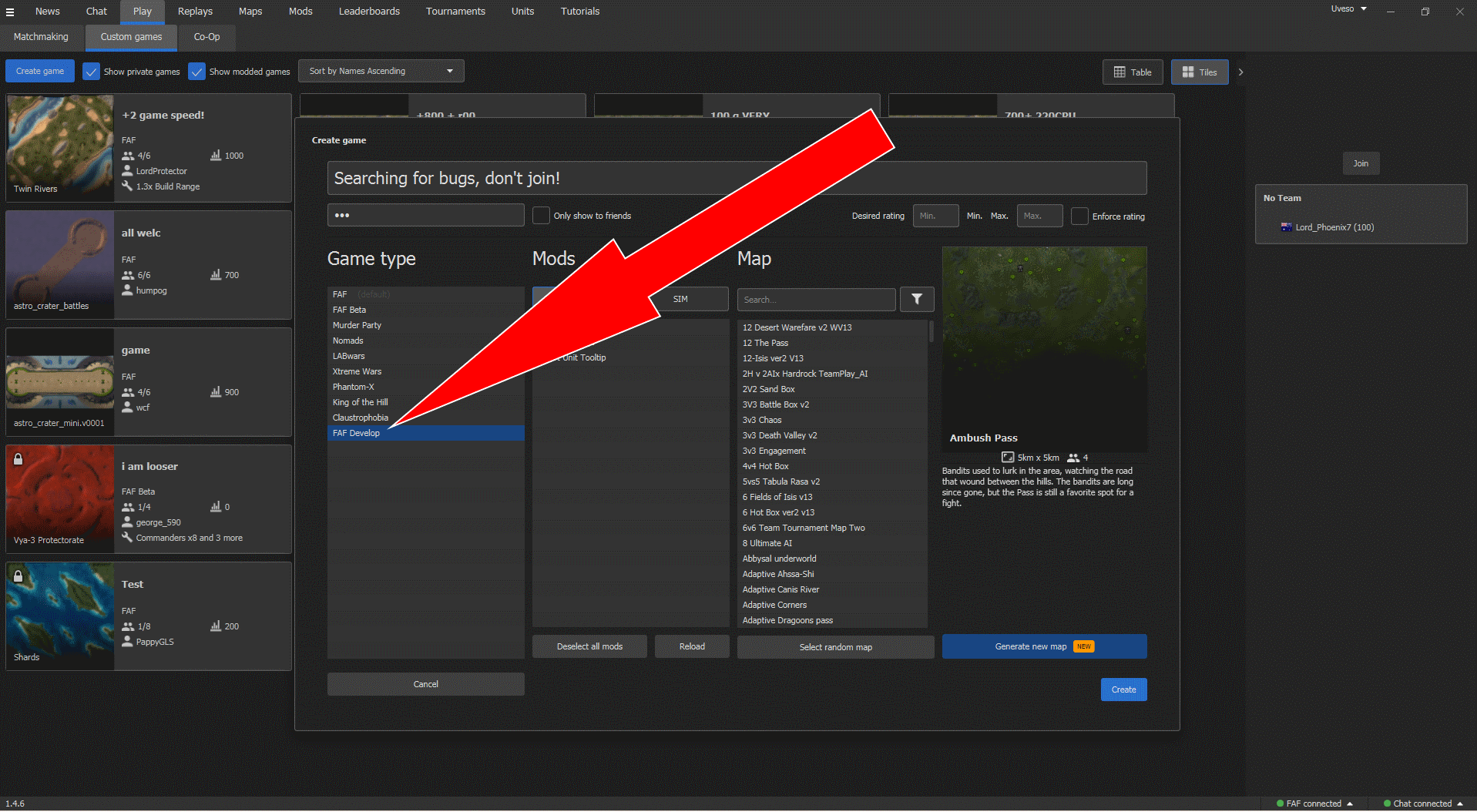
We should fix that after you have a stable base game.Do me a favor when you test the game start the FAF Dev version of the game.
I play always with the Dev version and know the actual version is stable. -
Thank you @Uveso for your fast answer and for the good info.
How to start FAF Dev version? -


Hello! It looks like you're interested in this conversation, but you don't have an account yet.
Getting fed up of having to scroll through the same posts each visit? When you register for an account, you'll always come back to exactly where you were before, and choose to be notified of new replies (either via email, or push notification). You'll also be able to save bookmarks and upvote posts to show your appreciation to other community members.
With your input, this post could be even better 💗
Register Login