• FAF crashes after 10-30 min

    5
    0 Votes
    5 Posts
    313 Views
    Eternal-E
    @amygdala my mods never breaks anyone game
  • client doesnt work

    1
    0 Votes
    1 Posts
    150 Views
    No one has replied
  • Full game + computer crash

    13
    0 Votes
    13 Posts
    1k Views
    P
    Thank you @Katharsas @Uveso and @Jip so far I've not had any crashes provided I have nothing else open. This probably confirms what Katharsas was saying in that maybe my computer can't handle FAF + x. It's probably time for a new computer just holding on to the nostalgia tower abit longer.
  • How do I make a shortcut on the taskbar to close ForgedAlliance.exe

    5
    0 Votes
    5 Posts
    344 Views
    arma473A
    @katharsas Thanks, I think "always on top" will work
  • Login issue: keeps giving connection refused to api.faforever.com

    6
    0 Votes
    6 Posts
    879 Views
    Brutus5000B
    Just for the statistics: In which country do you live and who is your Internet provider? Are you on mobile lte connection or via cable/dsl/fiber? My guess is you live outside Europe and/or use a LTE connection.
  • 0 Votes
    4 Posts
    369 Views
    Eternal-E
    Test with vpn
  • The cache is not purged

    3
    0 Votes
    3 Posts
    459 Views
    Brutus5000B
    That cache is a game cache and not a FAF client cache. If you want to apply the command switch you can append it in Settings -> Forged Alliance Forever -> Command Line Format for Executable Put it behind the %s [image: 1663011115778-2b13f9c1-fc8d-4e33-a134-b0050ae573bd-image.png] (Mine might look different because I'm running on Linux)
  • FAF doesn't "know" where localisation files are !

    2
    0 Votes
    2 Posts
    458 Views
    Manimal_M
    More about this issue : I've noticed by verifying "AppData\Local\Gas Powered Games\Supreme Commander Forged Alliance\Game.prefs" that the voice volume was OFF, while it was at MAX in the Options window in-game : options = { (...) vo_volume = 0, (...) }, The localized voices are still muted in spite of my attempts to : set the volume to the MAX from the Options window in-game. click on [Apply]. click on [OK]. I've even thought I had to quit the game and launch it again after this change, to no avail. I've openned game.prefs with NP++ and noticed the value was still vo_volume = 0,. So I've changed it for vo_volume = 100,, but it's had no effect at all. FA v1.6.6 's localized voices are definitely like "broken" since I installed FAF, even by running the game without FAF. Help will be much appreciated.

  • mod folder location error

    2
    0 Votes
    2 Posts
    131 Views
    L
    Problem solved by trying to join an existing game, which updated some game files. After that, I can download mods without issues.
  • Loggin error during game lost connection

    1
    0 Votes
    1 Posts
    188 Views
    No one has replied
  • Issue Logging in to FaF

    2
    0 Votes
    2 Posts
    215 Views
    Brutus5000B
    You have issues with your DNS resolving one of our subdomains. Either you wait or you try to use a different DNS service.
  • Login Issue

    4
    0 Votes
    4 Posts
    287 Views
    S
    Thank you so much for this. How do I give the client permission?
  • Problem by Login

    1
    0 Votes
    1 Posts
    130 Views
    No one has replied
  • Random disconnects where ICE doesn't seem to work

    1
    0 Votes
    1 Posts
    163 Views
    No one has replied
  • Client won't let me play map called "Two Corners V2"

    2
    0 Votes
    2 Posts
    172 Views
    JipJ
    It likely means that there's something wrong with the scenario files. I also think that in this particularly case, you may be getting trolled .
  • can't login to faf

    4
    1
    0 Votes
    4 Posts
    558 Views
    O
    I have same problem as Laika...
  • Infinite matchmaking

    7
    0 Votes
    7 Posts
    602 Views
    M
    @pearl12 True. I wouldn't mind getting slaughtered by a pro if only to peep their strats.
  • GOG linking problem

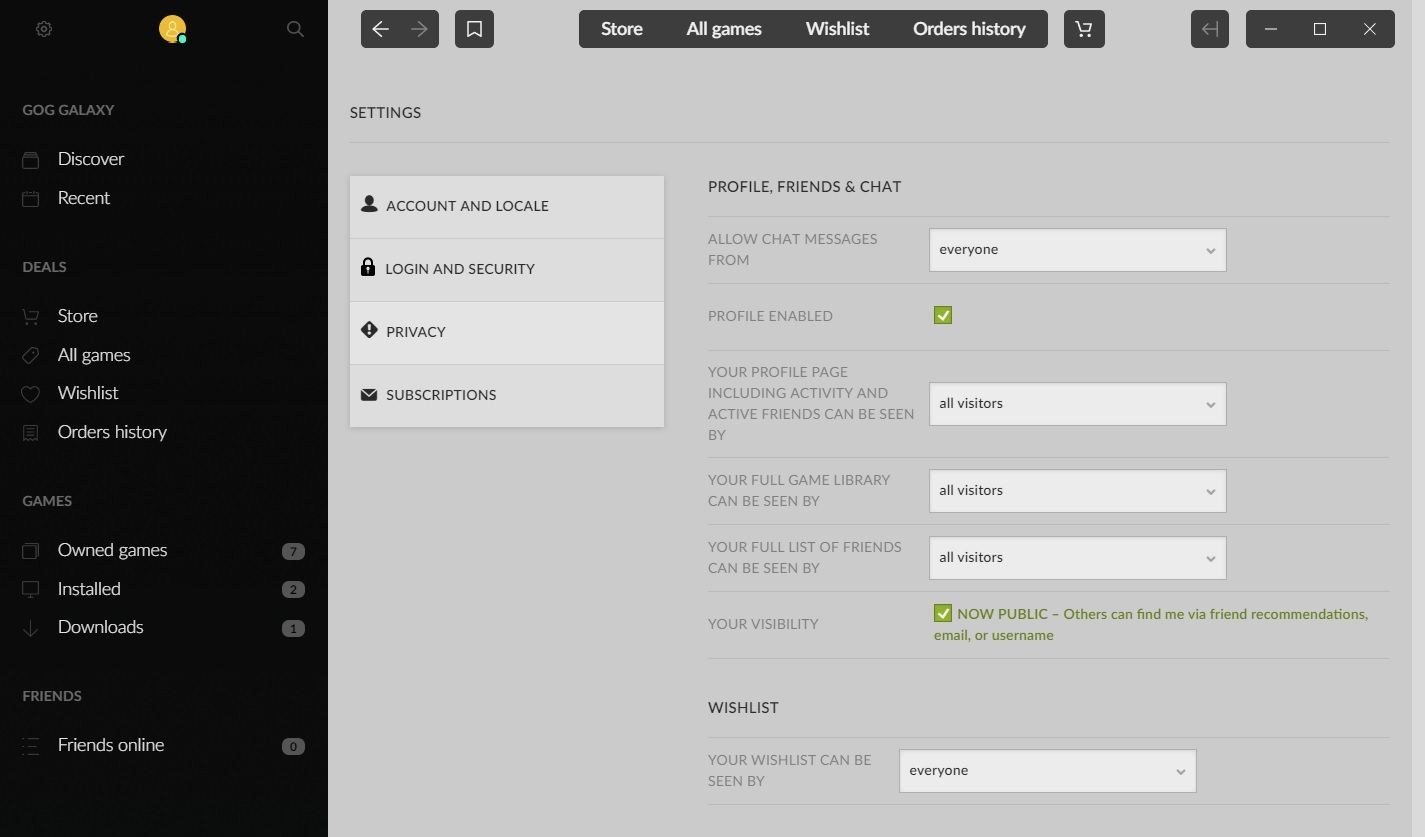
    3
    1
    0 Votes
    3 Posts
    135 Views
    Brutus5000B
    Yes. the url is https://www.gog.com/profile/edit
  • Error on client startup

    3
    0 Votes
    3 Posts
    188 Views
    maggeM
    @magge said in Solutions for common errors with the FAF client launcher or supreme commander: Reason Program is blocked or has wrong user rights Make sure security software is not blocking the client Make sure your windows account has rights to run the software Remove "C:\ProgramData\FAForever" folder; and reinstall FAF For testing purpose, run the client with admin rights.
  • Кража или что-то ещё.

    1
    0 Votes
    1 Posts
    90 Views
    No one has replied