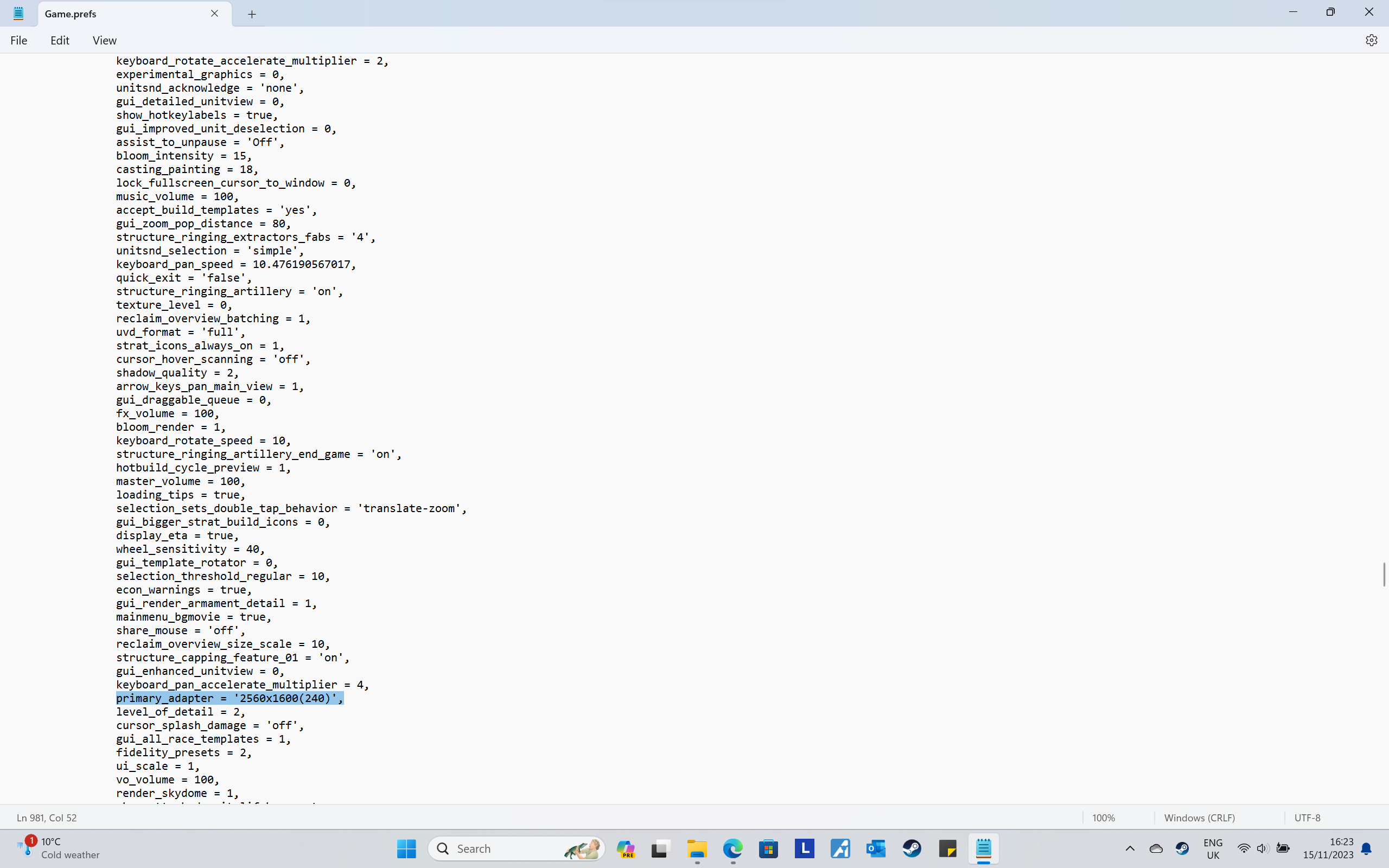
Inadequate monitor resolution
-
I have a modern gaming laptop with a 4070 mobile graphics card and 2560x1600 resolution. I had been running SC FA and playing on FAF. Occasionally I would get an unable to load 3d assets (or words to that effect) error when trying to join a game.
I changed the games resolution to windowed (2560x1600) but the unit icons were miniscule, so I reverted. I then started playing around with resolution to see what would be best.
I am now getting the "inadequate monitor resolution (minimum is 1024x768)" error shown.
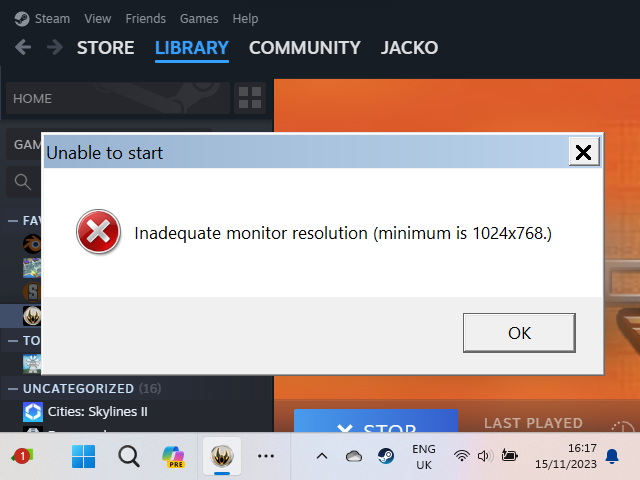
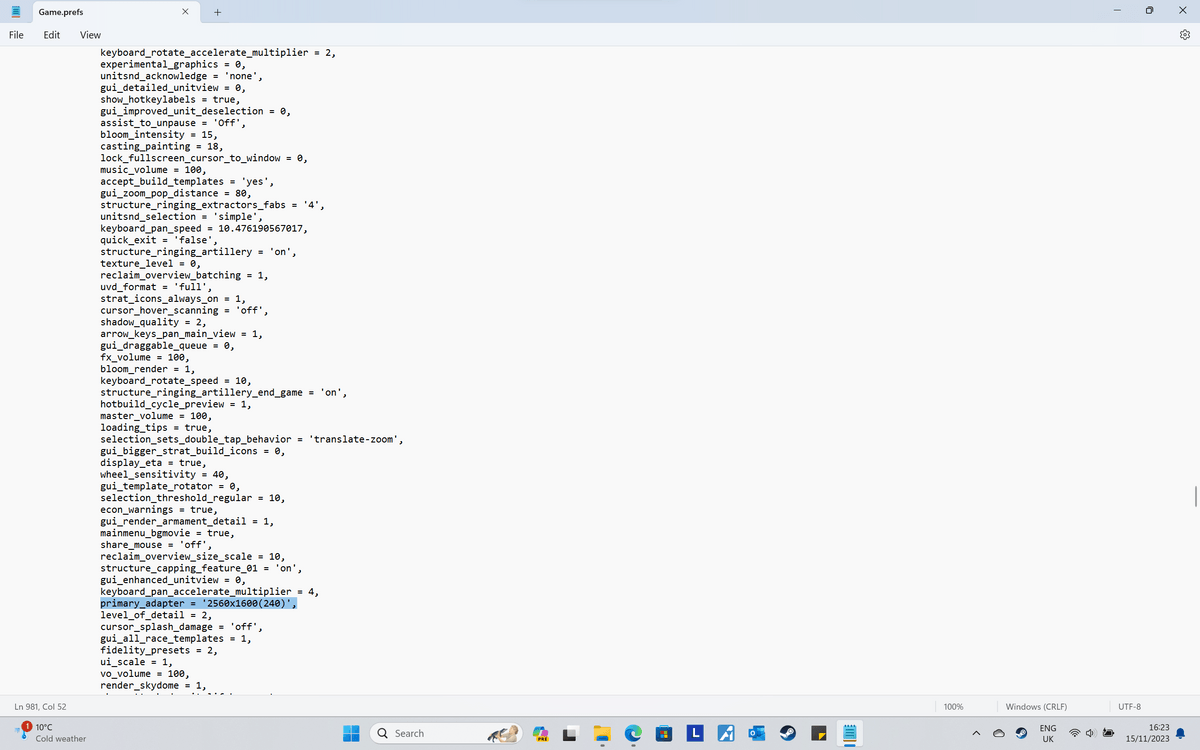
I have been on the forums, found the game.prefs file and manually changed that and save all-ed the file after changing it. The game still drastically changes my resolution on start up and displays the inadequate monitor resolution message.Please help.
-
This doesn't work like this. Try
primary_adapter = 'windowed', -
I would also suggest typing in game console
ui_StrategicIconScalewhich allows you to set scale for strategic icons. By default to open console press tilda (`). For exampleui_StrategicIconScale 2 -
1 - my game prefs file looks different than what you have. Mine says:
primary_adapter = '3840,2160,30',But you have something a little different, yours says:
primary_adapter = '2560x1600(240)',I don't know if the parenthesis and the commas make a difference here
2 - check at the very beginning of the game prefs file, line 27, that also discusses resolution. This is what mine says:
            options_overrides = {
                primary_adapter = {
                    default = '1024,768,60',
                    custom = {
If yours has a different default that might cause problems
3 - I would also do a word search for the word "adapter" to see what it says about the primary and secondary adapters, I think the error could be anywhere that adapters are mentioned
-
Hi guys,
Thanks for getting back to me so quickly.
I had tried 'windowed' and 3 numbers separated by commas before, but this was my last attempt (I saw the resolutions for primary_adapter higher up and it had two similar lines for each resolution).I really appreciate that strategic icon scale tip and will give it a go. Thank you.
I found the issue. For some reason on the compatability tab of the sc fa properties it was set to run in compatibility mode for windows 7 and run in 640x480 screen resolution was checked.
I have no idea why, I have never opened the properties for the game before. This is now resolved.
Hello! It looks like you're interested in this conversation, but you don't have an account yet.
Getting fed up of having to scroll through the same posts each visit? When you register for an account, you'll always come back to exactly where you were before, and choose to be notified of new replies (either via email, or push notification). You'll also be able to save bookmarks and upvote posts to show your appreciation to other community members.
With your input, this post could be even better 💗
Register Login